To add a sender, you first need to authenticate your domain. Once your domain is connected successfully, you can add senders and start sending emails using your domain email address.
Step 1: Go to setting > Click on Sender.
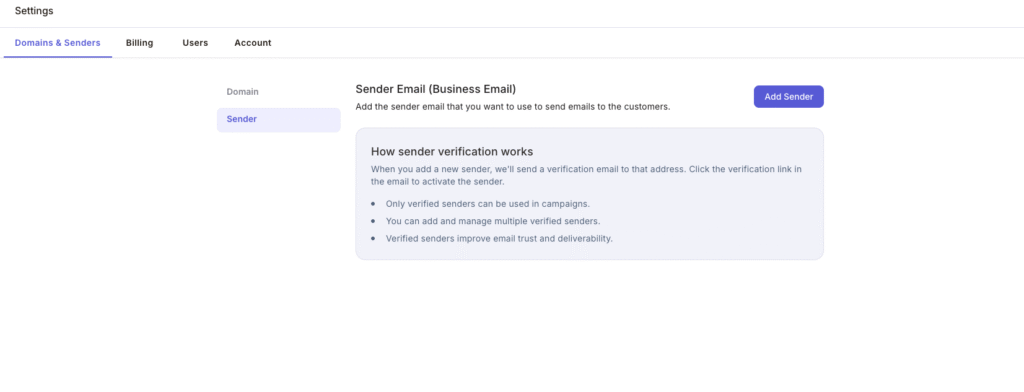
Step 2: Click on Add Sender
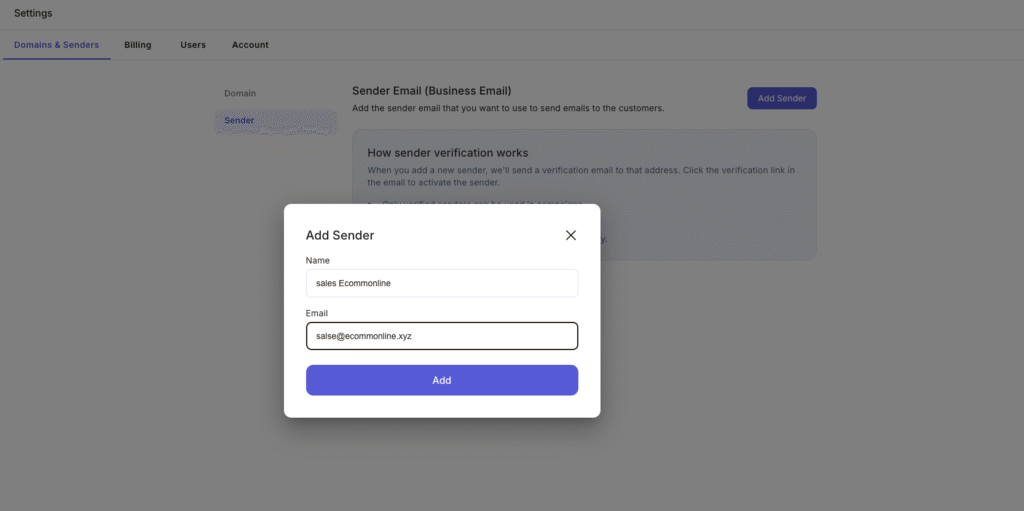
Step 3: Once you add the name and email of the sender, we will send you an OTP to verify the email on the added sender email.
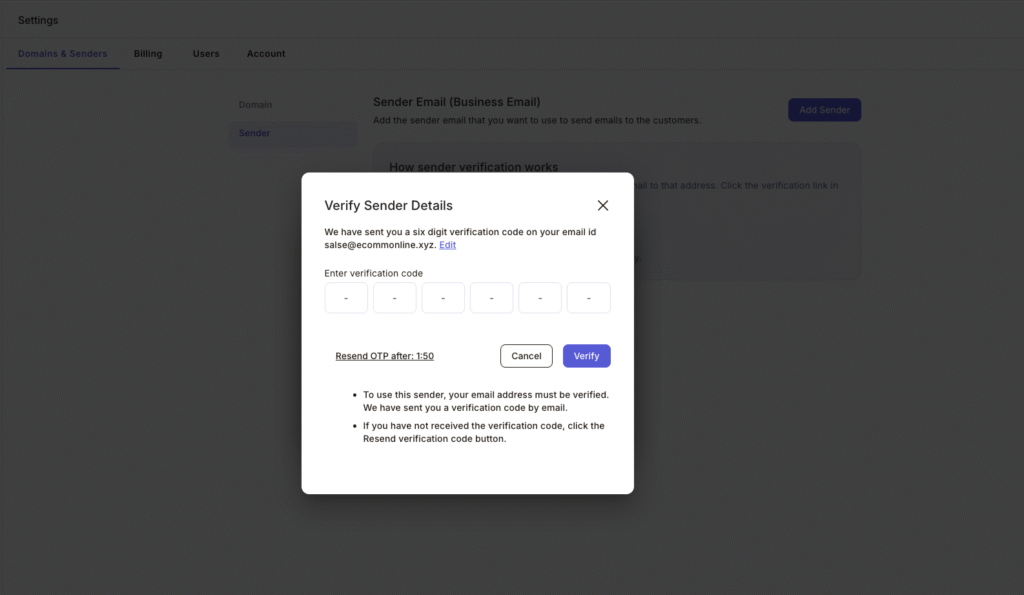
Step 4. Once email id verified, sender will be added
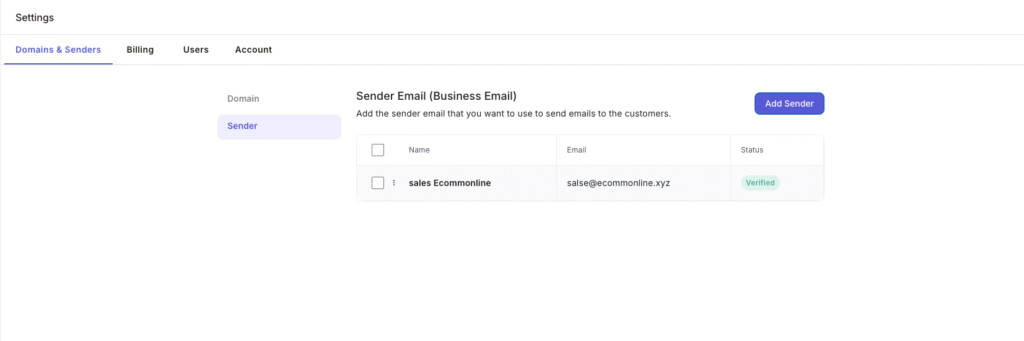
Sender added successfully. You can now start sending email campaigns using your business domain email address.