Step 1: Add your domain to Adflipr
First, add the domain you use to send emails to the domain & Senders page in Adflipr:
- Go to setting > Click on Domain & Sender.
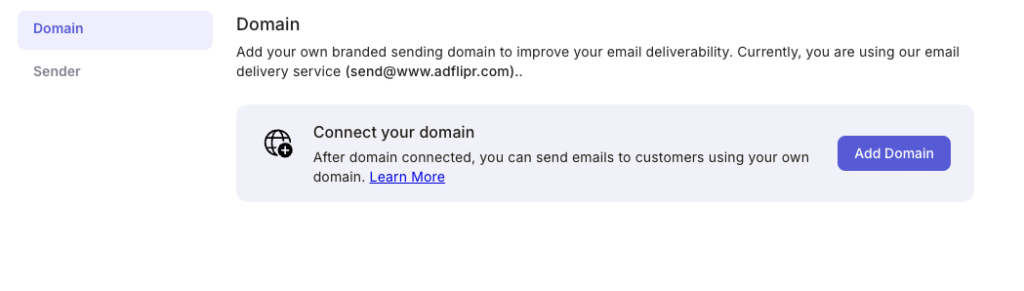
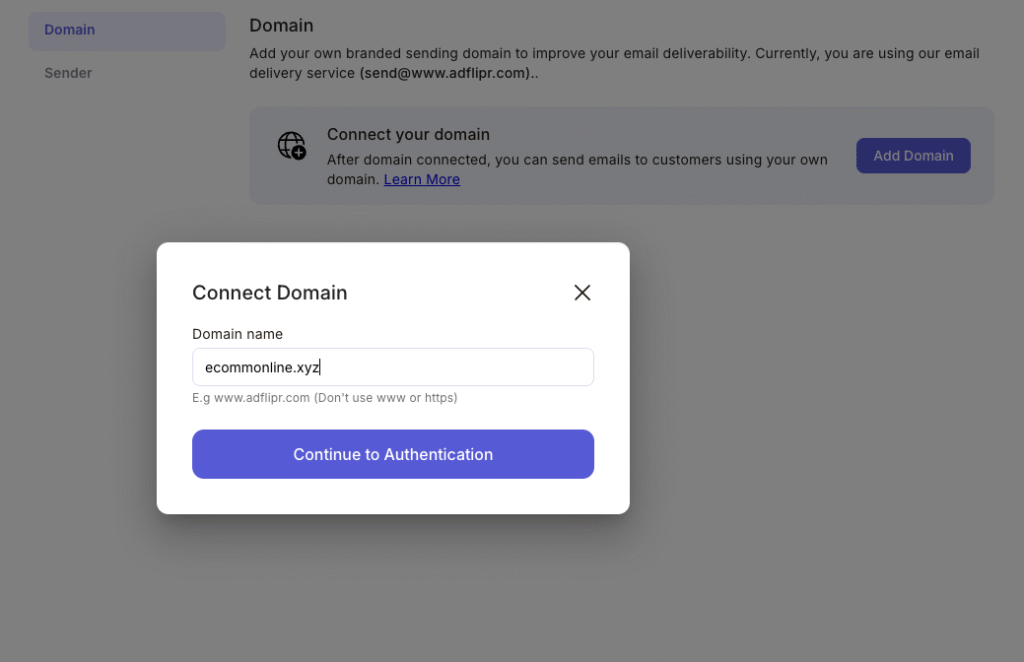
2. Click on Add Domain. And enter the name of your domain.
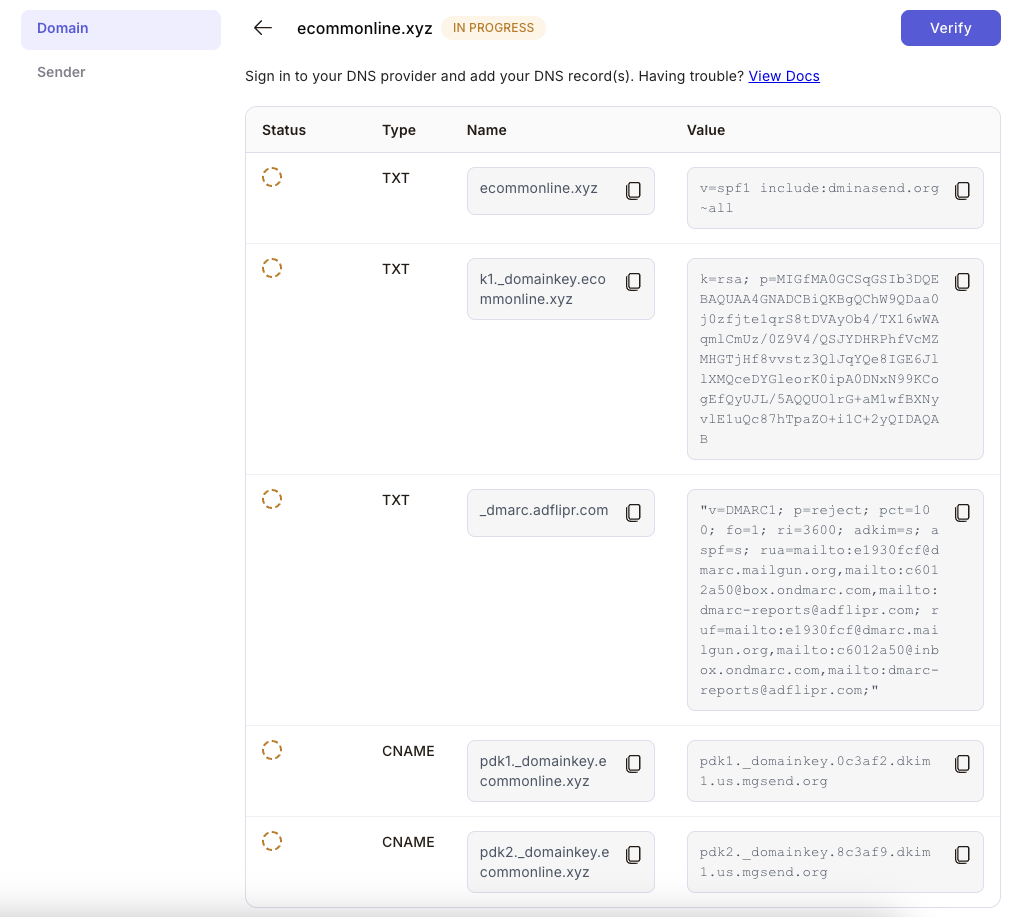
3. Sign in to your DNS provider and add your DNS record(s). Once added the DNS records, click on verify.
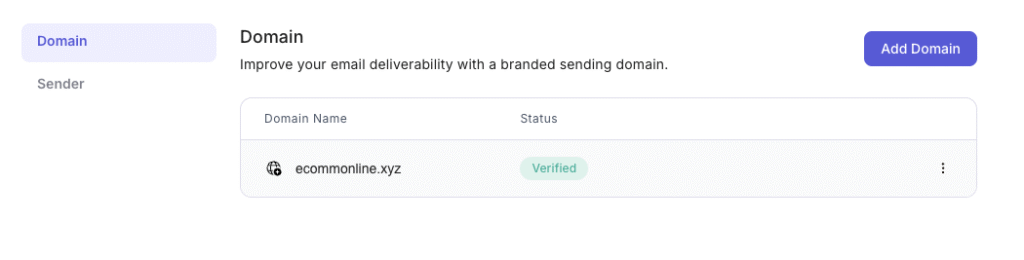
4. Once DNS records verified, domain will connected with Adflipr