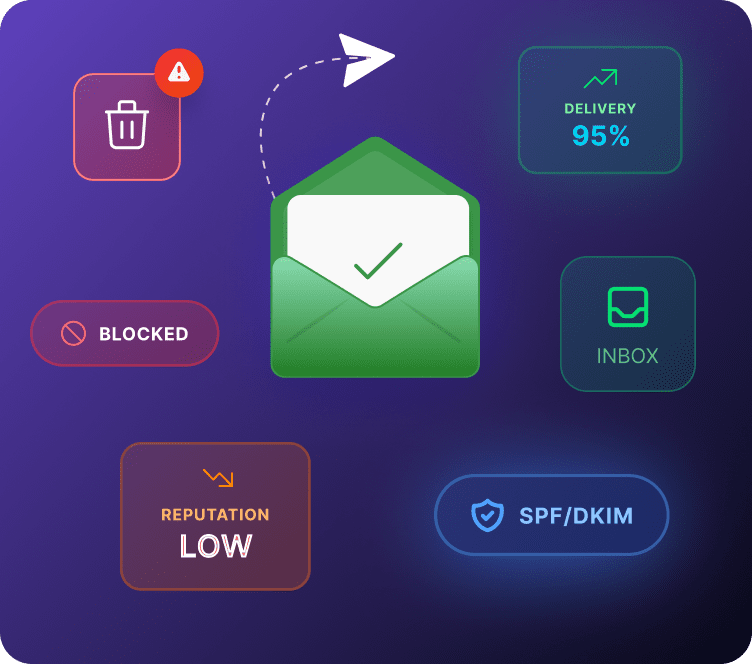
A policy that tells inboxes what to do when an email fails SPF or DKIM, and reports back to you on who is sending using your domain.
What Is DMARC?
DMARC sits on top of SPF and DKIM. It does not replace either one, it tells inboxes what to do when a message fails those checks, and it gives you visibility into every server sending email under your domain name, including ones you never approved.
Think of SPF and DKIM as the two guards checking ID at the door. DMARC is the instruction sheet telling those guards exactly what to do with anyone who fails the check, and a logbook of everyone who tried to get in.
Why DMARC Matters
Email marketing depends on trust between your domain and every inbox your customers use. Without DMARC, there is no consistent rule for what happens when a spoofed email fails authentication, some inboxes might deliver it anyway.
Gmail and Yahoo now require a DMARC record for anyone sending bulk email. Skip it, and your legitimate campaigns can get caught in the same tightening rules meant to stop spoofed mail.
How DMARC Works
1. An email arrives and goes through SPF and DKIM checks
2. DMARC looks at whether either check passed, and whether the domain used lines up with your actual sending domain
3. Based on your published policy, the inbox either delivers the email normally, sends it to spam, or blocks it outright
4. A report gets sent back to you showing what happened
DMARC Policies, Explained
| Policy | What It Does | When to Use It |
|---|---|---|
p=none | Monitors only, changes nothing | Always start here |
p=quarantine | Sends failing email to spam | Once reports look clean |
p=reject | Blocks failing email completely | Once you are fully confident |
Jumping straight to reject before checking your reports is the single most common way stores accidentally block their own campaigns.
A Real DMARC Record
p=none means monitor only.
rua= is the address where aggregate reports get sent, this is how you actually see what is happening.
How to Set It Up in Adflipr
1. Confirm SPF and DKIM are already verified for your domain in Adflipr
2. Adflipr generates a starter DMARC record set to p=none, safe monitoring mode
3. Add it to your DNS through your domain host
4. Click Verify in Adflipr to confirm it is live
5. Review your reports for two to four weeks, then move the policy to quarantine and later reject once everything checks out
Best Practices
– Always start at p=none, never launch straight into reject
– Check your DMARC reports regularly, setting it up and never looking again defeats the purpose
– Keep SPF and DKIM properly maintained, DMARC depends on both
– Move to stricter policies gradually, not all at once
Common Mistakes
– Setting a strict policy before confirming every legitimate sender is properly authenticated
– Never reviewing the reports after initial setup
– Assuming DMARC alone stops spoofing without SPF and DKIM in place
– Forgetting to update the policy as you add new sending tools
Frequently Asked Questions
Yes. Gmail and Yahoo now require it for bulk senders, and without it there is no consistent rule for what happens to spoofed emails using your domain. It also gives you reporting you would not otherwise have.
None monitors without changing delivery. Quarantine sends failing mail to spam. Reject blocks it outright. Start at none, move up only after reviewing your reports.
Not at p=none, since it only monitors. The risk only appears if you move to quarantine or reject before confirming every sending source, including your email marketing platform, passes SPF or DKIM.
Reports arrive as XML files showing which servers sent email under your domain and whether they passed. Most people use a free DMARC monitoring tool to turn this into a readable dashboard instead of reading raw XML.