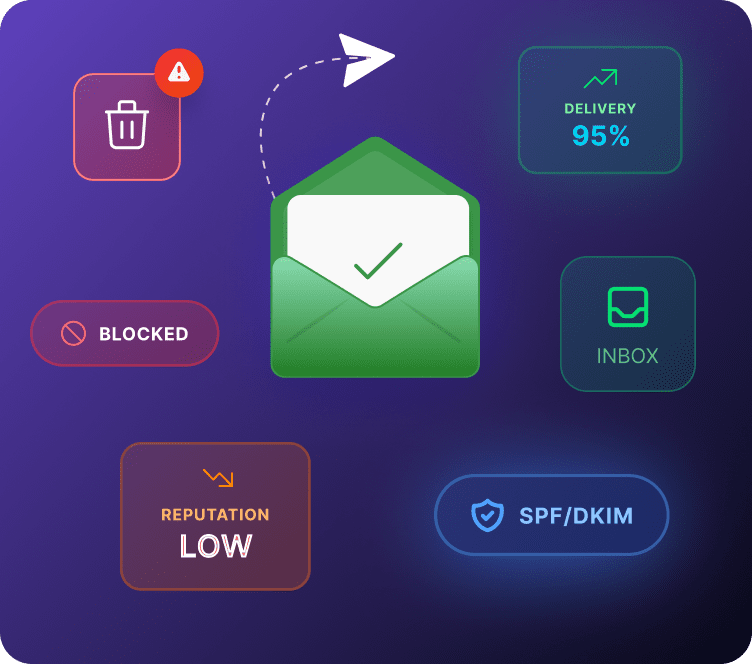
The set of DNS records that proves your emails genuinely come from your domain, and were not sent or altered by someone else.
What Is Email Authentication?
Email authentication is how your domain proves it is really you sending an email, not someone impersonating your store. It runs on four protocols working together: SPF, DKIM, DMARC, and BIMI. None of them work well alone, they are designed to work as a set.
For years this was treated as optional. That changed once Gmail and Yahoo introduced formal bulk sender requirements, making authentication a basic requirement rather than a nice-to-have for anyone doing email marketing at scale.
Why Email Authentication Matters
Every email marketing campaign, every abandoned cart flow, every order confirmation depends on this working correctly. Get it wrong, and none of your marketing strategy matters, because the emails never reach anyone.
Ecommerce brands are also common spoofing targets, since customers already trust order and shipping emails from stores they have bought from. Authentication protects that trust, not just your open rates.
The Four Protocols, Explained
| Protocol | What It Checks | What Happens Without It |
|---|---|---|
|
SPF
|
Which servers can send for your domain
|
Inboxes cannot confirm the sender is authorized
|
|
DKIM
|
Whether the email content was altered
|
No proof the message is genuine
|
|
DMARC
|
What to do when SPF or DKIM fail
|
No consistent rule for handling spoofed mail
|
|
BIMI
|
Displays your verified logo in the inbox
|
No visual trust signal for customers
|
How They Work Together
SPF and DKIM each check something different. SPF confirms the sending server, DKIM confirms the content. DMARC sits above both, deciding what happens when either check fails, and reporting back to you. BIMI is the visible payoff once DMARC is properly enforced, showing your logo directly in the inbox.
Skip any one layer, and the whole system gets weaker. A domain with SPF but no DKIM is still exposed to certain spoofing methods DKIM is specifically built to catch.
How to Set It Up in Adflipr
1. Add your domain inside Adflipr
2. Adflipr generates your SPF and DKIM records together in one setup screen
3. Add both to your DNS, then click Verify, Adflipr confirms both are live
4. Once verified, generate a DMARC record starting at p=none
5. Review your DMARC reports for two to four weeks, then move to quarantine and later reject
6. Once DMARC is enforced, set up BIMI if you want your logo showing in supported inboxes
Best Practices
– Set up all three core protocols, not just one or two
– Start DMARC at none and tighten gradually, never jump straight to reject
– Recheck your setup any time you connect a new tool that sends email from your domain
– Treat authentication as ongoing maintenance, not a one-time task
Common Mistakes
– Setting up SPF only and assuming that covers everything
– Never reviewing DMARC reports after initial setup
– Missing authentication for a secondary tool, like a helpdesk or SMS platform sending under the same domain
– Moving DMARC to reject before confirming every legitimate sender passes
Frequently Asked Questions
SPF, which authorizes sending servers, DKIM, which verifies message integrity, DMARC, which sets policy and reports on failures, and BIMI, which shows your verified logo once DMARC is enforced.
Send a test email to a Gmail address and check the original headers for SPF, DKIM, and DMARC pass results, or use a free authentication checker tool. Google Postmaster Tools also shows ongoing status if you send meaningful Gmail volume.
Yes. SPF is one shared record covering every sending source, but DKIM needs a separate record per platform, and each new tool should be reflected in both before it starts sending under your domain.
Using a platform that generates the records automatically, like Adflipr, removes most of the manual work. You typically copy the provided records into your DNS and click verify, rather than building them from scratch.