A structured review of your authentication, list health, and sending reputation, used to catch deliverability problems before they show up as lost revenue.
What Is an Email Deliverability Audit?
An audit walks through every layer that affects whether your emails reach the inbox: authentication records, list quality, engagement trends, and reputation signals. It’s the difference between guessing why a campaign underperformed and actually knowing.
Why an Audit Matters
Email marketing problems rarely announce themselves clearly. Open rates drift down slowly, bounce rate creeps up, and by the time it’s obvious, real revenue has already been lost, especially for stores relying on abandoned cart and post-purchase flows to run quietly in the background.
What an Audit Should Cover
1. Authentication check: Confirm SPF, DKIM, and DMARC are all set up and passing
2. List quality check: Bounce rate, complaint rate, and how recently the list was cleaned
3. Reputation check: Domain and IP reputation through Google Postmaster Tools, plus blacklist status
4. Engagement check: Open and click trends over the last 90 days, segmented by list source
5. Content check: Spam score testing and HTML rendering across major inboxes
How Often to Audit
A full audit once a quarter catches most issues before they compound. Run one immediately after switching email platforms, migrating domains, or noticing an unexplained drop in open rates.
How Adflipr Helps
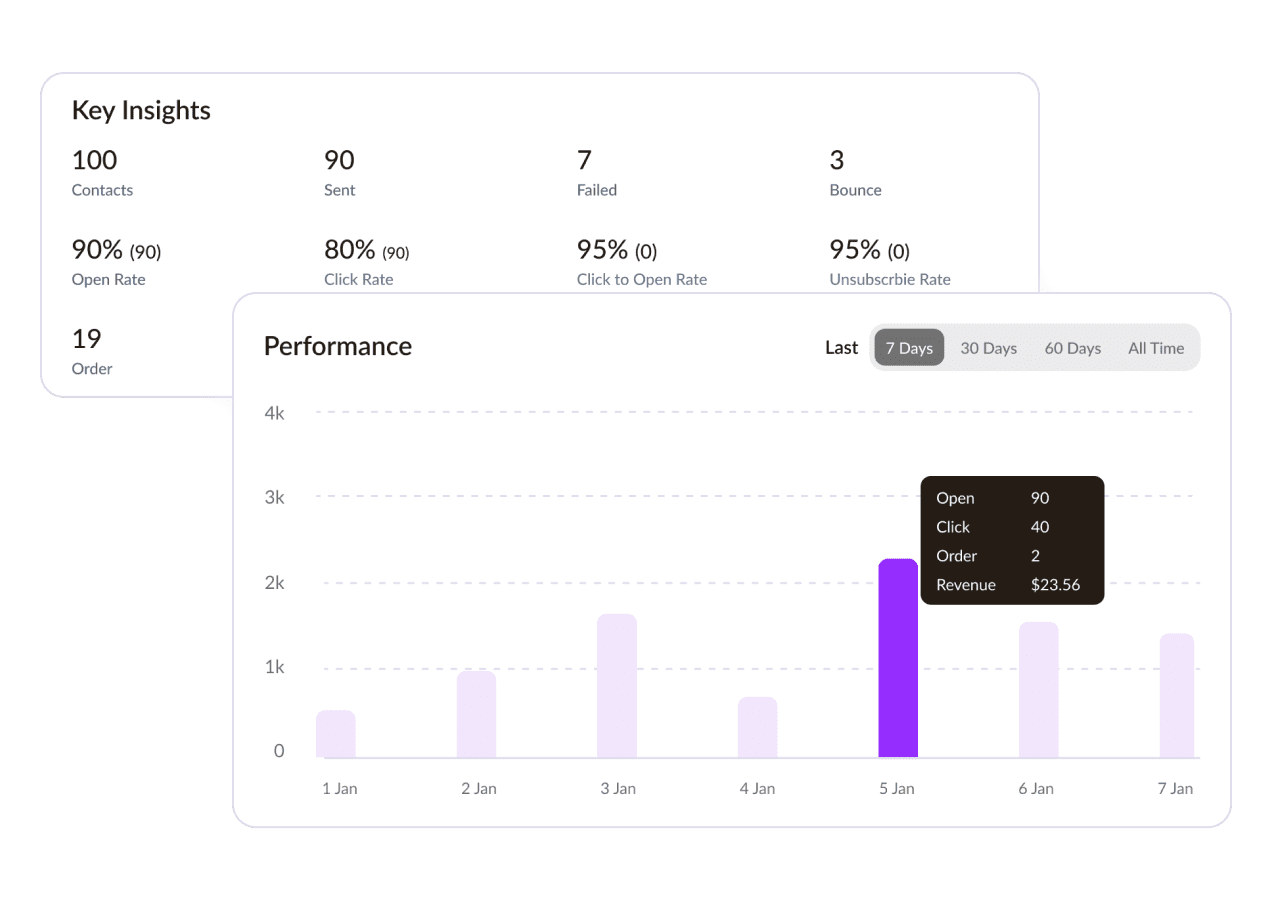
Adflipr’s dashboard surfaces authentication status, bounce trends, and complaint rates in one place, which covers most of an audit automatically rather than requiring you to pull data from four different tools.
Best Practices
– Run a full audit quarterly, and after any major platform or domain change
– Compare current numbers against your own past numbers, not just industry averages
– Document findings so you can track whether issues are improving or repeating
– Prioritize fixes by impact, authentication and list hygiene issues usually matter most
Common Mistakes
– Only auditing after a problem is already visible in campaign performance
– Checking authentication once at setup and never revisiting it
– Skipping the audit after a platform migration, assuming settings carried over correctly
– Treating an audit as a one-time project instead of a recurring habit
Frequently Asked Questions
Authentication status, list quality metrics like bounce and complaint rate, domain and IP reputation, engagement trends, and content checks like spam score. Together these cover the full picture of what affects inbox placement.
Quarterly is a reasonable starting point for most stores. Run one sooner after switching platforms, migrating domains, or noticing a drop in open rates that doesn’t have an obvious cause.
Most of it can be done yourself using free tools, Google Postmaster Tools, a blacklist checker, and your platform’s own analytics. An expert helps most when results are unclear or when reputation damage needs a recovery plan.
A steady decline in open rates, a rising bounce or complaint rate, or a recent platform or domain change are all good reasons to run one, even without a dramatic drop yet.