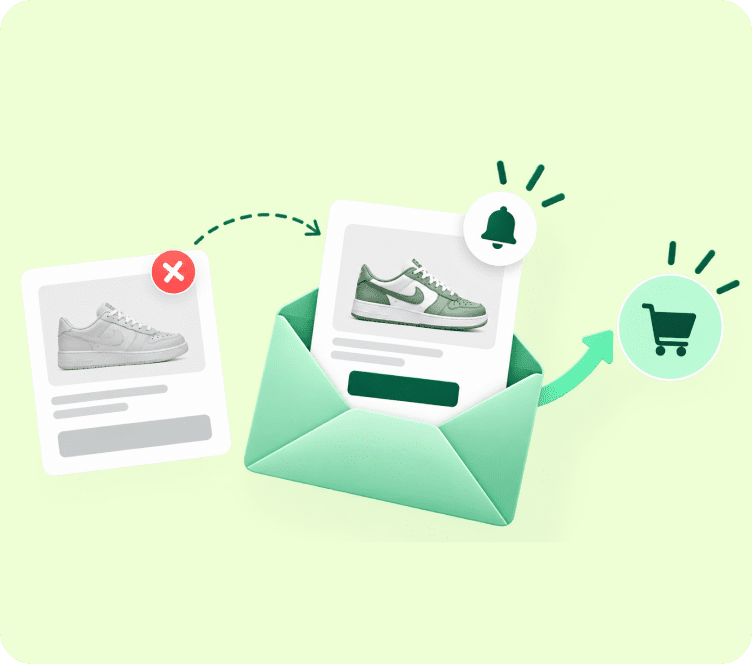
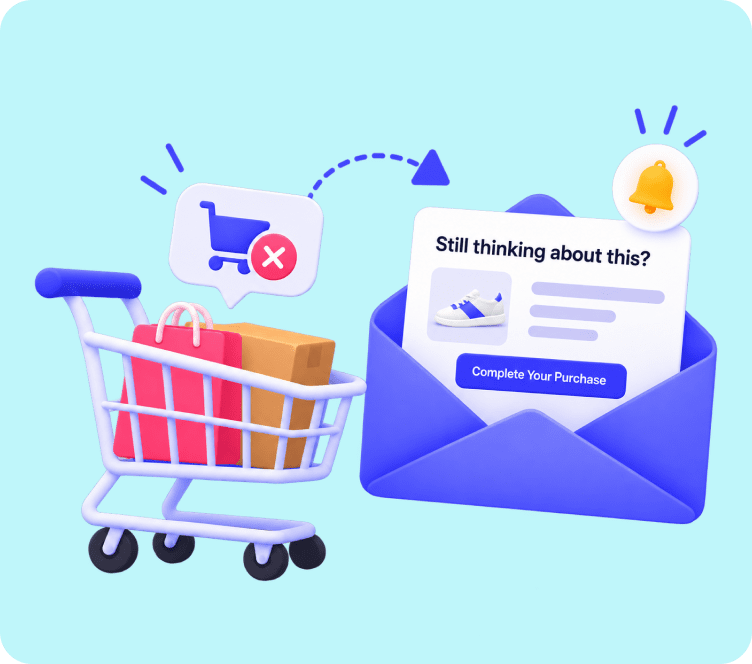
Running out of popular inventory is both a triumph and a risk for eCommerce stores.
On one hand, strong product demand proves that your marketing and product quality are working. On the other hand, an out-of-stock notice on your product page can turn eager shoppers away directly into the arms of your competitors.
Without a capture mechanism in place, every out-of-stock visitor represents lost revenue.
However, when you replace standard “Sold Out” text with an automated notification button, you transform a dead-end product page into an active sales pipeline. Sending a timely back in stock alert achieves open rates over 65% and conversion rates up to four times higher than regular promotional email broadcasts.
This guide breaks down how to build high-converting back in stock email workflows, with proven examples, high-converting copy strategies, and automation best practices for modern stores.
Quick Answer: A back in stock email is an automated alert sent to shoppers who signed up to be notified when a sold-out item returns to inventory. It captures lost purchase intent, creates instant buying urgency, and converts at rates 4x higher than standard promotional campaigns.
The Restock Advantage: Why Waitlist Alerts Convert at 4x Higher Rates
A back in stock notification works because it relies on explicit, high-intent customer permission. The subscriber took direct action by entering their email address specifically to purchase one exact item.
┌────────────────────────────────────────────────────────────────────────┐
│                   THE RESTOCK DEMAND ADVANTAGE                         │
├────────────────────────────────┬───────────────────────────────────────┤
│ 1. 100% Explicit Intent        │ Shoppers asked specifically to buy this│
│ 2. Built-In Scarcity & FOMO    │ They already saw it sell out once     │
│ 3. Instant Inventory Turnover  │ Sell restocked inventory in hours     │
│ 4. Zero Advertising Costs      │ Monetize existing traffic on autopilot│
└────────────────────────────────┴───────────────────────────────────────┘
When you send a restock alert email, you are not trying to convince someone to discover a new product. You are simply notifying them that the item they already decided to buy is finally available.
The 3-Step Playbook: Building an Automated Restock Engine
An effective restock strategy operates through three synchronized stages:
[ 1. CAPTURE DEMAND ] ──▶ [ 2. SYNC INVENTORY ] ──▶ [ 3. AUTOMATE ALERT ]
1. Capture High-Intent Demand with Smart Waitlist Forms
When inventory reaches zero, your store should automatically display an interactive “Notify Me When Available” button. Visitors enter their email or phone number to join the private waitlist using clean popup forms and restock widgets.
2. Real-Time Inventory Sync and Audience Triggering
Your email platform monitors your inventory levels in real time through native eCommerce integrations. As soon as you update stock counts, the system activates the waitlist segment.
3. Automated Multi-Channel Alert Delivery
Rather than sending a single generic email, the platform fires a personalized alert showing the exact item, size, color variation, and a direct one-click checkout link.
5 High-Converting Restock Email Formulas Used by Top Brands
Studying proven back in stock email examples helps you craft copy that drives immediate checkouts before stock runs out again.
1. The Scarcity Trigger: “Grab It Before It Sells Out Again”
This formula reminds the shopper that the item sold out quickly before and will likely sell out again.
- Headline: “It is back, but probably not for long.”
- Core Copy: “The [Product Name] you wanted is officially back on our shelves. Last time we released this batch, it sold out in 48 hours. Grab yours before it disappears again.”
- Call to Action Button: “Claim Yours Before It Sells Out”
2. The VIP Early Access: “You Get First Dibs Before the Public”
Rewarding waitlist subscribers with exclusive early access makes them feel valued and speeds up conversions.
- Headline: “You are first in line.”
- Core Copy: “Because you joined our waitlist, you get exclusive access to our restock two hours before we announce it to the public. Your reserved window is open now.”
- Call to Action Button: “Shop Early Access”
3. The Social Proof Hook: “Over 500 Shoppers Were Waiting”
Highlighting how many other people are waiting for this product triggers herd behavior.
- Headline: “Over 500 people were waiting for this.”
- Core Copy: “The wait is officially over. Our bestselling [Product Category] is restocked, and with hundreds of people on the notification list, inventory will move fast.”
- Call to Action Button: “Get It While Supplies Last”
4. The Direct Utility Alert: “Your Size Is Back in Stock”
Sometimes the simplest message is the most effective, especially for repeat essentials like skincare, coffee, or apparel basics.
- Headline: “Good news: [Product Name] is restocked.”
- Core Copy: “You asked us to let you know when this item returned. We just updated our inventory, and your size is ready to ship.”
- Call to Action Button: “Complete Your Order”
5. The Delay Compensation: “Free Express Shipping on Your Order”
If an item has been out of stock for several weeks, adding a small perk overcomes hesitation caused by the delay.
- Headline: “Thanks for your patience: enjoy free express shipping.”
- Core Copy: “We know waiting is never fun. As a thank you for hanging in there while we restocked, your order includes complimentary express shipping today.”
- Call to Action Button: “Order with Free Shipping”
To design these layouts quickly, explore our eCommerce email templates library or build custom sections with our drag and drop email builder.
15 High-Open Restock Subject Lines That Demand Immediate Clicks
Your subject line must communicate availability and urgency instantly:
- Back in stock: Grab your [Product Name] now
- Good news! The item you wanted is back
- It sold out once. Do not miss it again.
- You are first in line for our restock
- Guess what just landed back on our shelves?
- Restock alert: Your size is back
- The wait is over: [Product Name] is here
- Back by popular demand (for now)
- We saved one for you: [Product Name]
- Hurry! The [Product Name] restock is live
- Back in stock: Only [Number] units available
- Your waitlist item is ready to order
- Restocked! Order before it sells out today
- Finally back: Complete your order now
- You asked, we restocked: Shop [Product Name]
For more subject line copywriting frameworks, check our guide on best subject lines for email marketing.
Visual Blueprint: The Anatomy of a High-Converting Restock Template
A high-converting back in stock email template follows a focused visual structure:
┌──────────────────────────────────────────────────────────────┐
│ [ HEADER: Clear Brand Logo + Immediate Context ]            │
├──────────────────────────────────────────────────────────────┤
│ [ HERO: Bold Headline - "Back In Stock: Your Size Is Ready"] │
│                                                              │
│ [ DYNAMIC PRODUCT BLOCK: High-Res Image + Price + Color ]    │
│                                                              │
│ [ PRIMARY CTA: Full-Width Button - "Buy Now In 1 Click" ]    │
├──────────────────────────────────────────────────────────────┤
│ [ TRUST SIGNALS: Free Shipping, 30-Day Returns, Guarantees ] │
│                                                              │
│ [ SECONDARY BLOCK: "You Might Also Like" Cross-Sells ]       │
└──────────────────────────────────────────────────────────────┘
- Clear Hero Visual: Prominently display the exact product image, color variant, and size the shopper requested.
- Single Call to Action: Use a high-contrast button that links directly to a pre-filled checkout or active cart.
- Scarcity Indicator: Mention limited batch numbers or high waitlist demand to prevent procrastination.
- Friction-Free Guarantees: Reassure the customer with return policies and fast shipping notices directly below the button.
- Dynamic Cross-Sells: Show 2 to 3 related items in case their preferences shifted while waiting.
5 Battle-Tested Best Practices for Maximum Restock Conversions
- Automate the Entire Sequence: Never send manual restock emails. Use an automated trigger that fires the moment inventory updates in Shopify or WooCommerce. Read our guide on what is email automation to see how workflow logic works.
- Tier Your Restock Sends: If you have 500 waitlist subscribers but only restocked 50 units, do not email everyone at once. Send the alert in staggered batches to your highest-LTV customers first.
- Capture Both Email and SMS: Some customers prefer text alerts for instant notification. Offering both channels maximizes opt-in rates.
- Use Waitlist Data for Inventory Forecasting: Monitor which out-of-stock items have the largest notification lists to inform your wholesale purchasing orders.
- Maintain Clean Contact Lists: Automatically segment waitlist subscribers into active customer groups once they purchase using Adflipr’s contact management system. For deeper segmentation rules, see our email marketing segmentation guide.
Scale Your Restock Revenue on Autopilot with Adflipr
Setting up an automated ecommerce restock strategy is simple with the right platform.
Adflipr gives online store owners all the tools needed to capture out-of-stock demand and drive automated sales:
- 1-Click eCommerce Sync: Deep integrations for Shopify stores and WooCommerce stores synchronize inventory and product availability in real time.
- Automated Behavioral Workflows: Set up intelligent restock alerts and abandoned checkout flows with our marketing automation platform.
- High-Converting Opt-In Forms: Deploy responsive notification buttons and restock popups using our built-in popup and forms builder.
- Visual Email Designer: Build stunning restock alerts effortlessly using our no-code drag and drop email builder.
To learn how to nurture customers long after their restock purchase, check out our guide on customer retention email strategies.
Frequently Asked Questions (FAQs)
A back in stock email is an automated message sent to shoppers who asked to be notified when a sold-out item returns to inventory, driving high-intent recovery sales.
Back in stock emails achieve open rates over 65% and convert up to four times higher than standard marketing broadcasts due to explicit, pre-existing customer purchase intent.
Send the notification immediately when inventory updates in your store. If stock is limited, stagger delivery to VIP waitlist subscribers first before notifying general lists.
Include high-resolution product photography, the exact price, color and size details, a prominent 1-click checkout button, and a scarcity reminder that inventory may sell out quickly.
Replace sold-out checkout buttons with a “Notify Me When Available” form that captures the shopper’s email address and tags them to that specific product SKU.
Yes. A 2-part sequence works well: Email 1 alerts the customer to the restock, while Email 2 sends a final low-stock warning 24 hours later if they have not purchased.