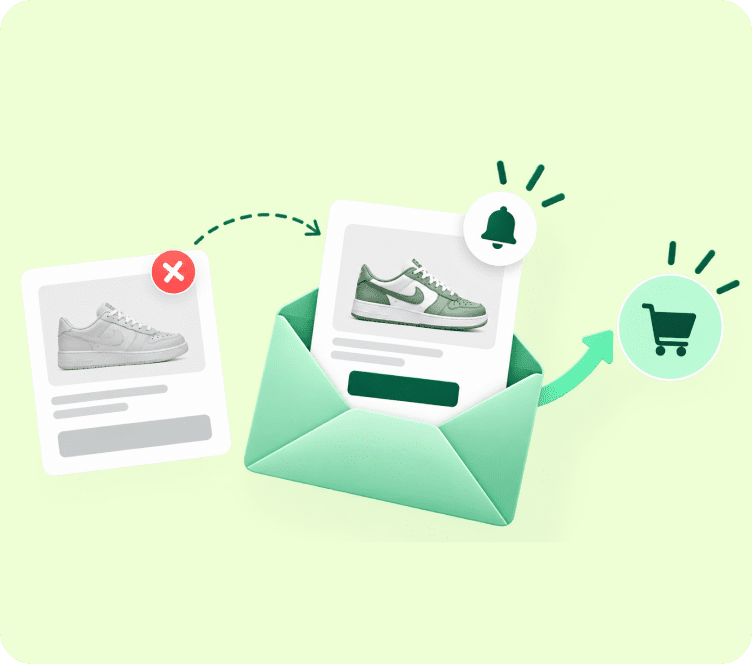
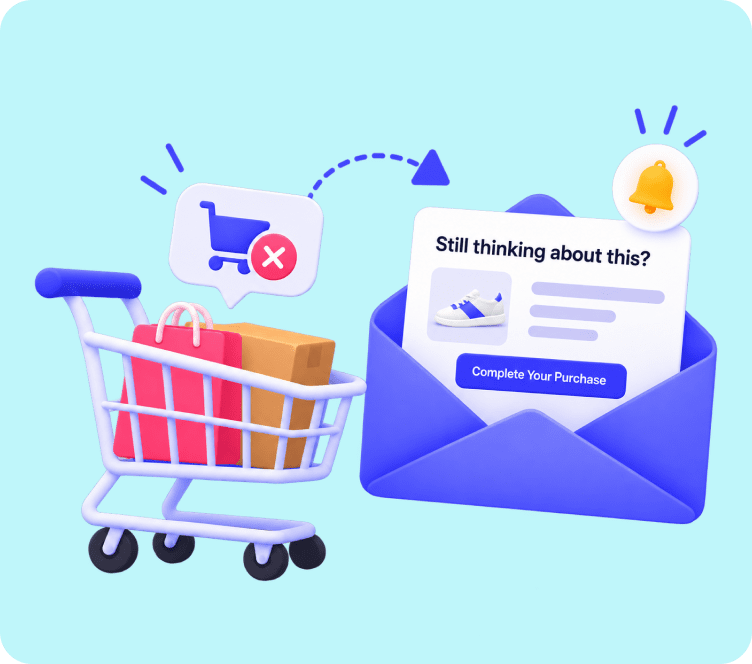
Consider how two different Shopify stores handle 1,000 visitors arriving from the same Meta ad campaign:
- Store A spends $1,500 on paid ads. 20 visitors purchase, and 980 leave without a trace. When sales dip next month, they are forced to spend another $1,500 on ads just to stay afloat.
- Store B spends the same $1,500. 20 visitors purchase immediately, but their on-site popups capture 120 new email subscribers. Over the next 30 days, automated welcome sequences, browse abandonment nudges, and cart recovery emails convert another 45 shoppers completely on autopilot.
Store A burns their profit margin on paid acquisition. Store B builds a compounding, owned asset that generates recurring sales every day of the year.
That fundamental shift is the core focus of this Shopify email marketing guide.
With an average return of $36 for every $1 invested, email marketing gives your brand direct, uninhibited access to your customers without relying on unpredictable social media algorithms or rising ad costs.
Quick Answer: Shopify email marketing is the practice of capturing store visitors’ contact details and sending automated, targeted campaigns across their customer lifecycle. Key strategies include setting up high-converting welcome and cart recovery flows, segmenting by purchase history, and sending personalized product recommendations.
Built-In Shopify Email vs Dedicated Marketing Automation Platforms
Every growing merchant eventually faces a key decision: should you use the default Shopify Email tool, or connect a dedicated automation platform?
┌────────────────────────────────────────────────────────────────────────┐
│                   SHOPIFY EMAIL VS DEDICATED PLATFORM                  │
├──────────────────────────┬───────────────────┬─────────────────────────┤
│ Feature Dimension        │ Built-In Shopify  │ Dedicated Platform      │
├──────────────────────────┼───────────────────┼─────────────────────────┤
│ Setup Time               │ Instant           │ 1-Click Store Sync      │
│ Behavioral Trigger Logic │ Basic             │ Deep Multi-Branching    │
│ Dynamic Product Blocks   │ Static Feeds      │ Live Catalog & Cart Sync│
│ Audience Segmentation    │ Simple Tags Only  │ Multi-Condition RFM/LTV │
│ Flow Customization       │ Limited Triggers  │ Unlimited Logic Steps   │
│ List Growth Popups       │ Basic Bars        │ Exit-Intent & Gamified  │
└──────────────────────────┴───────────────────┴─────────────────────────┘
While Shopify’s built-in application handles basic broadcast newsletters, scaling stores quickly require a specialized marketing automation platform to run complex multi-branching journeys, recover abandoned checkouts dynamically, and personalize product recommendations based on live customer browsing behavior.
The 7 Core Automated Revenue Engines Every Shopify Store Needs
Rather than treating email as a series of random promotional blasts, structure your store around seven automated lifecycle flows. Once configured, these sequences run quietly in the background 24/7.
VISITOR ARRIVES --> WELCOME FLOW --> BROWSE RECOVERY --> CART RECOVERY
                                                               │
DORMANT LIST <-- WIN-BACK FLOW <-- REPLENISHMENT <-- POST-PURCHASE
1. The Welcome and Onboarding Series
Your welcome sequence is your brand’s digital handshake. Because new subscribers are at peak curiosity right after opting in, welcome emails consistently achieve open rates between 50% and 60%.
[ TRIGGER: Form Signup ]
        │
        ▼ (Immediate)
[ EMAIL 1: Deliver Welcome Code + Brand Mission ]
        │
        ▼ (Wait 2 Days)
[ EMAIL 2: Bestselling Collections + Real Customer Reviews ]
        │
        ▼ (Wait 2 Days)
[ EMAIL 3: Social Proof + Video / Founder Story ]
        │
        ▼ (Wait 2 Days)
[ EMAIL 4: Final Urgency Notice: Welcome Discount Expiring ]- Strategic Objective: Transition top-of-funnel curiosity into a first-time purchase within seven days.
- Copywriting Formula: Lead with instant gratification in Email 1 by placing the promised coupon code above the fold. In subsequent emails, overcome buyer hesitation with real customer video reviews and your satisfaction guarantee.
- Implementation Guide: For step-by-step logic rules, consult our complete tutorial on how to create an email campaign.
2. The Automated Cart Recovery Sequence
More than 70% of shoppers leave items in their cart without completing payment. A 3-part Shopify abandoned cart email sequence acts as an automated safety net to recapture that lost revenue.
| Flow Stage | Optimal Delay | Psychology Angle | Goal |
|---|---|---|---|
| Email 1 | 1 hour post-exit | Helpful customer service check-in | Resolve checkout friction or questions |
| Email 2 | 24 hours post-exit | Social proof and star ratings | Eliminate product quality doubts |
| Email 3 | 48 hours post-exit | Urgency or time-limited incentive | Prompt immediate purchase completion |
- Key Tactic: Use dynamic product blocks that automatically pull the exact image, size, color variation, and direct checkout link of the items left behind.
- Automated Solution: If you want to deploy a dedicated recovery system on your store, Adflipr provides an automated abandoned cart recovery solution that syncs directly with Shopify checkout events.
3. The Browse Abandonment Flow
Browse abandonment targets high-intent shoppers who viewed specific product pages multiple times but exited before clicking “Add to Cart.” Because these visitors showed strong product interest, browse emails convert at nearly double the rate of standard promotional broadcasts.
┌────────────────────────────────────────────────────────────────────────┐
│                   BROWSE ABANDONMENT LOGIC PATHWAY                     │
├────────────────────────────────────────────────────────────────────────┤
│ TRIGGER: Identified contact views product page 2+ times in 48 hours    │
│ FILTER: Contact has NOT added item to cart or placed an order          │
│ ACTION: Send tailored check-in email 2 to 4 hours after browsing       │
└────────────────────────────────────────────────────────────────────────┘
- Messaging Strategy: Avoid sounding intrusive. Use soft, helpful messaging such as: “Still thinking it over? Here is a closer look at the [Product Name].”
- Layout Blueprint: Display the exact product viewed in high resolution, summarize its top three benefits, and include a small grid of two or three related bestsellers beneath.
4. The Post-Purchase Nurturing and Review Flow
The period immediately following checkout represents the peak of customer trust. Using this window strictly for basic order receipts is a massive missed opportunity.
[Order Placed] --> [Delivery Notice] --> [Product Care Guide] --> [Photo Review Request (Day 7)] --> [Cross-Sell Offer (Day 21)]
- Email 1 (Immediate): Branded order confirmation with transparent tracking links and expected arrival dates.
- Email 2 (Day 3 post-delivery): Educational unboxing guide, styling recommendations, or product maintenance tips.
- Email 3 (Day 7 post-delivery): Automated request asking for a photo review in exchange for loyalty points.
- Email 4 (Day 21 post-delivery): Curated cross-sell introducing complementary items tailored to their first purchase.
To explore additional strategies for increasing customer lifetime value, read our guide on customer retention email strategies.
5. Automated Back-in-Stock Notifications
When popular inventory sells out, displaying a generic “Sold Out” badge drives potential buyers straight to competitors. Replacing that badge with an interactive restock waitlist captures high-intent demand.
- Trigger: Inventory count increases above zero in your Shopify store.
- Strategy: Automatically fire an instant email alert showing the restocked product variant with a direct one-click checkout link.
- Urgency Formula: Remind waitlist subscribers that batches sell out fast to encourage same-day checkouts.
6. Predictive Replenishment and Reorder Triggers
For stores selling consumable or cyclical products like skincare, supplements, specialty coffee, or pet supplies, replenishment automations anticipate when supplies will run dry.
- Trigger: Calculated time elapsed based on average product usage cycles (e.g., 30, 60, or 90 days).
- Timing: Deliver the reminder 5 to 7 days before expected depletion.
- Strategy: Provide a pre-filled, one-click reorder button so re-ordering takes less than ten seconds.
7. Customer Win-Back and Sunset Sequence
Every customer list experiences natural churn. A win-back flow automatically identifies dormant contacts and attempts to re-engage them before cleaning your database.
- Trigger: 60 to 90 days with zero store visits, purchases, or email opens.
- Cadence: 2 emails spaced 5 days apart.
- Strategy: Offer an exclusive comeback discount (“We miss you, here is 20% off your next order”), highlight new arrivals, and provide a preference center link. Unsubscribe contacts who remain inactive to protect your sender reputation.
The Shopify List-Building Playbook: Capturing High-Intent Leads
Your automated flows are only as effective as the list feeding them. A sustainable Shopify email list building strategy balances rapid growth with explicit subscriber consent:
┌────────────────────────────────────────────────────────────────────────┐
│                   4 HIGH-CONVERTING LIST CAPTURE TOUCHPOINTS           │
├────────────────────────────────┬───────────────────────────────────────┤
│ 1. Exit-Intent Popups          │ Catches abandoning visitors with perks│
│ 2. Embedded Footer & Sticky Bar│ Low-friction, sitewide opt-in options │
│ 3. Checkout Marketing Opt-In   │ Turns paying buyers into subscribers  │
│ 4. Interactive Quizzes & Forms │ Delivers custom product recommendations│
└────────────────────────────────┴───────────────────────────────────────┘
You can build and deploy responsive, timed popups that integrate directly with your store catalog using Adflipr’s popup and forms builder. Always enforce double opt-in to eliminate fake emails and protect your domain reputation with Gmail and Yahoo.
Advanced Shopify Segmentation: Turning Data into Revenue
Sending the exact same broadcast to every contact leads to high unsubscribe rates and low click-throughs. Segmenting your audience based on real Shopify store data ensures every message feels relevant:
┌────────────────────────────────────────────────────────────────────────┐
│                       SHOPIFY AUDIENCE MATRIX                          │
├──────────────────────┬─────────────────────────┬───────────────────────┤
│ Audience Segment     │ Behavioral Definition   │ Optimal Campaign Type │
├──────────────────────┼─────────────────────────┼───────────────────────┤
│ VIP Big Spenders     │ Lifetime spend > $250   │ Early VIP drop access │
│ Repeat Brand Fans    │ 2+ orders placed        │ Loyalty perks & gifts │
│ Recent First Buyers  │ Ordered in last 30 days │ Care guides & upsells │
│ Window Shoppers      │ High clicks, 0 orders   │ Time-sensitive offers │
│ At-Risk Churn        │ Inactive for 90+ days   │ Comeback incentives   │
└──────────────────────┴─────────────────────────┴───────────────────────┘
You can organize and tag your store audiences dynamically using Adflipr’s built-in contact management system. For a complete breakdown of audience targeting, explore our email marketing segmentation guide.
Email Design and Copywriting Rules for Shopify Stores
- Enforce Single-Column Mobile Layouts: Over 65% of Shopify emails are opened on mobile devices. Single-column layouts ensure images, text, and buttons resize naturally without horizontal breaking.
- Craft Short, Benefit-Led Subject Lines: Keep subject lines between 35 and 50 characters to prevent mobile truncation. For tested formulas, explore our curated list of best subject lines for email marketing.
- Use Single, Prominent CTA Buttons: Avoid cluttering your layout with multiple competing links. Guide the reader toward one obvious action with a bold, thumb-friendly button.
- Leverage Dynamic Product Blocks: Pull live product photography, prices, and title tags directly from your Shopify store into your emails using our drag and drop email builder.
- Choose Pre-Tested Templates: Save design hours by customizing ready-to-use layouts from our eCommerce email templates library.
Essential Metrics and Benchmarks for Shopify Email Marketing
Measure your Shopify email marketing strategy against established eCommerce industry standards:
| Performance Indicator | Healthy Target Benchmark | What It Diagnoses |
|---|---|---|
| Campaign Open Rate | 22% to 30%+ | Subject line hook and sender brand recognition |
| Trigger Open Rate | 40% to 60%+ | Relevance and speed of automated lifecycle triggers |
| Click-Through Rate (CTR) | 2.5% to 5% | Quality of visual layout, copy, and offer clarity |
| Click-to-Open Rate (CTOR) | 10% to 18% | Content engagement among subscribers who opened |
| Revenue Per Recipient (RPR) | Above $1.50+ on triggers | Direct bottom-line return generated per email sent |
| Unsubscribe Rate | Under 0.3% | Sending cadence and list relevance health |
For a complete breakdown of category benchmarks, consult our email marketing metrics and benchmarks guide.
4 Costly Shopify Email Marketing Mistakes to Avoid
| Common Mistake | Why It Harms Your Store | How to Fix It |
|---|---|---|
| Sending Only Promotional Blasts | Trains subscribers to ignore emails unless a massive discount is offered | Balance sales with educational styling tips, care guides, and product stories |
| Ignoring Deliverability Authentication | Unauthenticated emails land in the spam folder of Gmail and Yahoo | Configure SPF, DKIM, and DMARC records on your custom domain |
| Missing Suppression Rules | Sending intro discount emails to recent buyers creates an embarrassing experience | Exclude recent purchasers from top-of-funnel welcome flows |
| Failing to Scrub Stale Lists | Keeping inactive contacts damages domain reputation and sender score | Run quarterly re-engagement campaigns and purge unengaged profiles |
Scale Your Shopify Store Revenue on Autopilot with Adflipr
Executing high-converting Shopify email marketing tips becomes effortless when backed by the right software.
By connecting your store through Adflipr’s dedicated Shopify email marketing integration, you can immediately launch pre-built welcome series, cart recovery sequences, and win-back flows using our marketing automation platform.
Store owners can design responsive, beautifully branded templates with our no-code drag and drop email builder, customize ready-to-use layouts from our email templates library, and recover abandoned checkouts automatically with our built-in abandoned cart recovery solution.
To calculate how much extra revenue automated email flows can add to your store this month, try our free Cart Abandonment Revenue Calculator.
Frequently Asked Questions (FAQs)
The best strategy combines high-converting automated flows like welcome and cart recovery with dynamic audience segmentation based on customer purchase history and average order value.
Most Shopify stores see optimal engagement sending two to three campaigns per week, supplemented by automated behavioral flows that trigger individually based on customer actions.
Average email conversion rates range from 2% to 5%, with behavioral automated triggers like cart abandonment and welcome series frequently achieving 10% to 15% conversion rates.
Deploy non-intrusive exit-intent popups offering first-order discounts, optimize the checkout marketing opt-in checkbox, and implement double opt-in to maintain list quality.
While the basic Shopify Email app handles simple newsletters, growing stores benefit significantly from third-party platforms offering advanced behavioral triggers, deep segmentation, and pre-built automation journeys.
The abandoned cart recovery sequence is the most profitable flow, recapturing up to 15% of lost checkouts by automatically reminding hesitant shoppers to complete their purchase.