Two stores. Same list size, roughly 12,000 subscribers each. Same industry, home and lifestyle products. Same monthly send frequency.
One of them sends a single email to everyone on the list every Tuesday. The other, however, sends what looks like several different emails, except it’s really one campaign that changes based on who opens it.
Guess which one makes more money from the exact same list.
If you guessed the second store, you already understand the core idea behind email campaign personalization, even if you’ve never called it that. It’s not about being clever with technology. It’s about the email actually matching the person reading it, instead of matching an average of everyone on the list.
That gap between those two stores is, in fact, what this article is really about. Not the theory of personalization, but what it actually looks like inside a Shopify or WooCommerce store, what tends to go wrong when people try it, and how to set it up without needing a data science degree.
The Real Reason One Email Wins and the Other Gets Ignored
Here’s the thing nobody tells you about email marketing. It’s not really competing against other emails from the same brand. It’s competing against every other email sitting in that inbox at the same time.
A subscriber’s inbox usually has a mix of newsletters, receipts, work emails, and a handful of promotions from different brands. The email that gets opened is rarely the loudest one. It’s the one that feels like it’s actually about them.
Compare these two subject lines:
“Big Sale This Weekend”
versus
“Sarah, your favorite category is 20% off this weekend”
The second one isn’t just adding a name for the sake of it. Instead, it’s referencing something specific to that person, their favorite category, which signals the email is worth opening before they even click. That’s the entire idea behind personalized email marketing. In short, it shifts the email from “this is for everyone” to “this is for you.”
For ecommerce brands specifically, this matters even more than in other industries, because so much customer behavior is already trackable. Every product view, every abandoned cart, every past order is a signal you can use. Even so, most brands collect this data, yet very few actually use it inside their email campaigns. As a result, that gap is exactly where ecommerce email personalization creates an advantage.
Turn more visitors into paying customers, automatically
Set up abandoned cart recovery, welcome flows, and post-purchase emails in minutes, built specifically for Shopify and WooCommerce stores.
What’s Actually Happening Behind a Personalized Email
Strip away the marketing language, and email campaign personalization comes down to one simple mechanic. You send one campaign, but the content inside it changes depending on who’s opening it.
That change can be small. A first name. A location. Or it can be deep. A completely different product block, a different offer, a different subject line, all built from the same base campaign.
Three things make this possible.
Customer data. This is everything you know about a subscriber, their name, their past purchases, what they’ve browsed, where they’re located, how they’ve engaged with past emails.
Merge tags. These pull specific pieces of that data straight into the email. A merge tag for a first name shows “Hi Sarah” for one person and “Hi James” for another, all from the same email template.
Dynamic email content. This goes further than merge tags. Instead of swapping a single word, it swaps entire blocks of the email, like showing winter coats to someone in a cold region and summer wear to someone in a warm one, within the same send.
Put together, these three things are what separate personalized email campaigns from a mail merge with someone’s name slotted in. The name, after all, is the easy part. The real value, instead, comes from using behavior, not just contact details, to shape what the email actually says.
A Closer Look Inside Real Campaigns
Theory is easy to agree with and hard to picture. So here’s what this looks like inside actual stores.
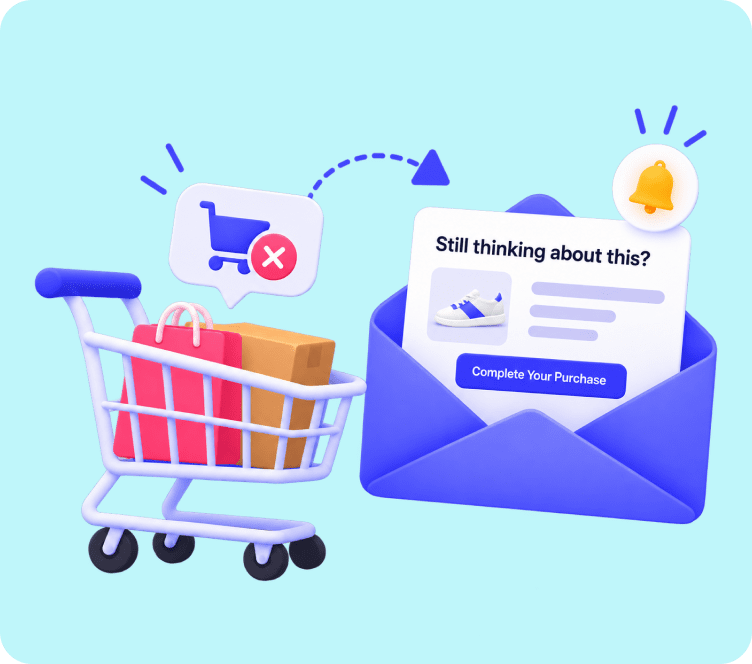
A Shopify store selling sneakers. A customer adds a pair to their cart and leaves without checking out. Two hours later, an email lands in their inbox:
“Hey Mia, your sneakers are still waiting. Grab them before they’re gone.”
Dynamic email content automatically pulls in the product image, the price, and even the size they viewed. Nobody on the team wrote this email for Mia specifically. Instead, the team built the campaign once, and it adjusts itself for every customer who abandons a cart.
A WooCommerce store selling skincare. Two weeks after a purchase, a follow-up email goes out:
“Hi James, how is your serum working out? Here are 3 products customers usually pair it with.”
This isn’t a generic “thanks for your order” email. It’s built from what James actually bought, and it recommends products based on what other customers with similar purchases tend to add next.
A win-back campaign for a lapsed customer. Someone hasn’t ordered in 90 days. Instead of a flat “we miss you” message, the email references their last purchase directly:
“It’s been a while since you tried our lavender candle. Here’s 15% off to bring it back.”
None of these examples require a huge list or a big team. They require customer data that’s already sitting in your store, connected to an email tool that knows how to use it. This is the difference between personalized email marketing that sounds nice in a strategy deck, and personalized email marketing that actually shows up in someone’s inbox.
How This Gets Built Without Hiring a Data Team
None of the examples above need custom code or a developer on standby. The process behind them is fairly repeatable.
It starts with clean customer data, name, purchase history, browsing behavior, cart activity, and location, synced from your Shopify or WooCommerce store. From there, you group subscribers into segments based on shared traits, first time buyers, repeat customers, high spenders, or people who abandoned a cart recently.
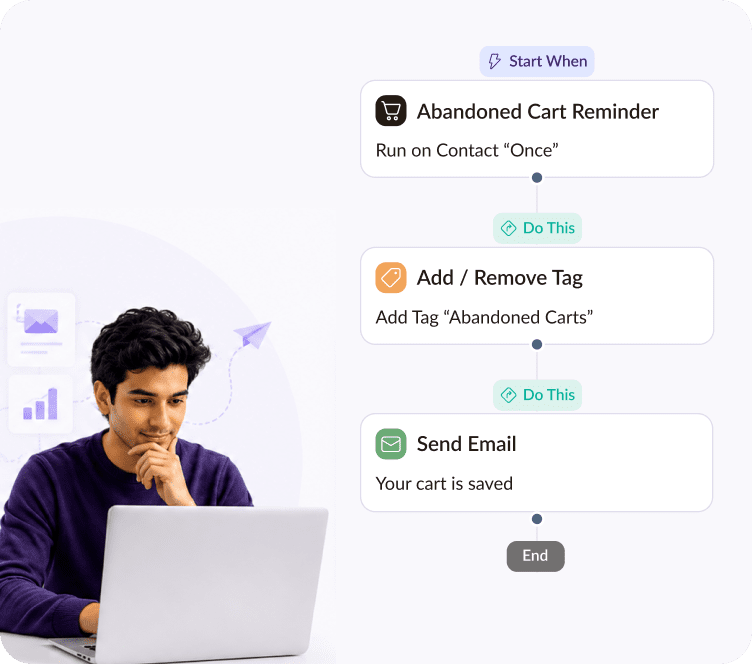
Once segments exist, merge tags and dynamic email content shape what each segment actually sees. Instead of someone manually hitting send for each group, triggers handle the timing. For example, a welcome email fires right after signup. A few hours later, a cart reminder goes out to anyone who leaves without buying. Then, once an order has likely arrived, a follow-up closes the loop.
The last piece is testing. Subject lines, offers, and send times rarely perform the same across every segment, so checking results by segment, not just as one overall number, is what tells you whether the personalization is actually working or just looks good on paper.
Where Adflipr Fits Into This
Setting this up manually across dozens of segments and triggers is where most stores get stuck. This is usually the point where a platform built specifically for ecommerce makes the difference between personalization staying a good idea and actually shipping.
Adflipr works for Shopify and WooCommerce stores, and it follows exactly the workflow above. With Adflipr, a store can:
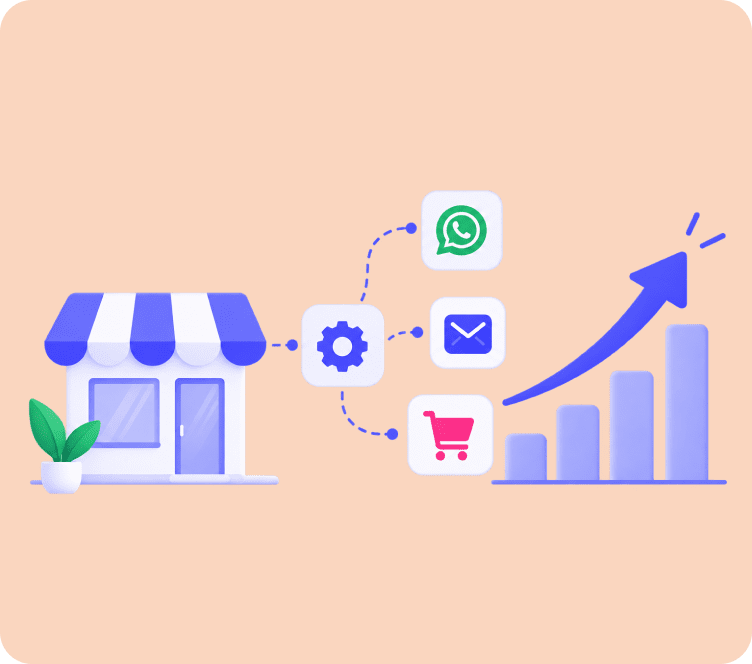
- Sync customer and order data directly from Shopify or WooCommerce
- Personalize names, products, and order details using merge tags inside the drag and drop email builder
- Build triggered journeys through marketing automation, covering welcome series, abandoned carts, and post-purchase flows
- Group subscribers using contact management, based on spend, behavior, and purchase history
- Recover lost sales automatically with built-in abandoned cart recovery
- Check what’s actually working through analytics and reporting
- Pay only for active contacts, which keeps this affordable as the list grows instead of billing for names that never open an email
The goal isn’t to replace the thinking behind personalization. It’s to remove the manual, repetitive work of building it segment by segment, so a store can run personalized email campaigns without needing a full-time team behind them.
Turn more visitors into paying customers, automatically
Set up abandoned cart recovery, welcome flows, and post-purchase emails in minutes, built specifically for Shopify and WooCommerce stores.
What Tends to Go Wrong
A few patterns, in particular, show up again and again when personalization doesn’t deliver the results people expect.
The data is outdated or incomplete. If customer data hasn’t synced properly, emails go out with missing names or product recommendations that don’t match what someone actually bought.
Personalization stops at the name. Adding “Hi {{first_name}}” and calling it done was enough a few years ago. It isn’t anymore. Real personalization goes into the offer and the content, not just the greeting.
It gets too personal. Referencing exact browsing timestamps or overly specific behavior can feel invasive rather than helpful. There’s a line between relevant and unsettling, and it’s easy to cross without noticing.
Mobile gets ignored. Most people open ecommerce emails on a phone first. Even so, dynamic content blocks that look fine on desktop sometimes break on mobile, and nobody catches it until open rates drop.
Merge tags never get tested. A broken tag showing “Hi ,” instead of an actual name is one of the fastest ways to lose trust in a single send.
A Few Habits Worth Building
None of these require a big overhaul, just consistency.
- Keep customer data clean. Personalization is only as good as the data feeding it.
- Always set fallback text for merge tags, so a missing data point never breaks the email.
- Segment before personalizing. A rough segment with smart personalization outperforms one giant list every time.
- Personalize the subject line, not just the body. This is usually where the biggest open rate gains show up.
- Test dynamic content blocks before every send, not just once when they’re built.
- Review results by segment, not as one blended average across the whole campaign.
What This Means for Your Next Campaign
Go back, for a moment, to those two stores from the start of this article. Same list, same industry, same send frequency. The only real difference, ultimately, was that one email felt like it was written for a crowd, and the other felt like it was written for one person.
That’s really the whole idea behind email campaign personalization. It’s not a bigger list or fancier design. Instead, it’s using the data a store already has, purchase history, cart activity, browsing behavior, to make each email feel less like a blast and more like a message meant for that one subscriber.
Start small if this feels like a lot to set up at once. One abandoned cart flow, done well, usually says more about what personalization can do than a dozen half finished ideas. Build from there.
And if manually stitching this together across Shopify or WooCommerce feels like too much, Adflipr connects directly with both platforms, combining email marketing and popups and forms into one place, so personalized email campaigns run in the background while the actual store stays the focus.
Turn more visitors into paying customers, automatically
Set up abandoned cart recovery, welcome flows, and post-purchase emails in minutes, built specifically for Shopify and WooCommerce stores.
FAQ
Customizing email content (like subject lines, products, or offers) using individual subscriber data (purchase history, browsing) so each recipient gets a relevant message.
It syncs customer data, groups subscribers into segments, and uses merge tags or dynamic blocks to customize and trigger emails automatically based on user behavior.
It lifts open and click-through rates, increases customer lifetime value (LTV), reduces unsubscribe rates, and generates noticeably higher revenue per email sent.
Merge tags swap single words like names or product names. Dynamic content swaps entire email layout blocks or offers for different subscriber segments.
Yes. Shopify and WooCommerce store data (carts, browsing, purchases) is perfect for triggering highly relevant automated campaigns that drive repeat sales.