Most visitors to your WooCommerce store leave without buying or sharing an email. A popup gives you one more chance to keep them. This guide compares the best WooCommerce popup plugins, with prices checked in November 2026.
Quick answer: Some of the best WooCommerce popup plugins are Adflipr, OptinMonster, OptiMonk, Popup Maker, and Sleeknote. Adflipr is worth considering if you want popups and email marketing in one platform, while OptinMonster offers advanced targeting and OptiMonk provides AI-assisted popup creation and A/B testing. Popup Maker is a flexible option for WordPress users, and Sleeknote is worth exploring for stores with higher traffic. You can also consider MailOptin, Icegram Engage, Poptin, and Elementor Pro depending on your needs and budget.
How We Picked These WooCommerce Popup Plugins
First, we looked at which tools show up most often on Google today. Next, we checked each tool’s official pricing or plugin page on Nov 26, 2026. Finally, we kept only tools that work on WordPress and suit WooCommerce stores.
We judged each tool on five points:
- Free plan: what you get before you pay.
- WooCommerce fit: cart value, products in cart or customer type.
- Exit intent: a popup that shows when a visitor is about to leave.
- Ease of setup: how fast a beginner can publish a popup.
- Real price: the cost after any intro offer ends.
Adflipr is our own product, so we place it first and say why. We also tell you when each tool, ours included, is not the right fit. Prices change often, so confirm them on the vendor’s site before you buy.
How to Choose the Right WooCommerce Popup Plugin
A popup tool is only useful if it fits how you sell. So ask yourself five questions before you compare prices.
- Do I want the popup to start an email conversation? A signup is worth little if nothing follows it. If you plan to email new subscribers, pick a tool that connects popups and email.
- What is my budget? Free plans exist, but they hide features like exit intent. Check what is paid.
- How much traffic do I get? Many tools bill by visitors or pageviews, so costs rise as you grow.
- Do I need WooCommerce rules? Showing a popup by cart value or products in the cart is useful, and it is often a paid feature.
- Do I use a page builder? If your store runs on Elementor, its built-in popup builder may be enough.
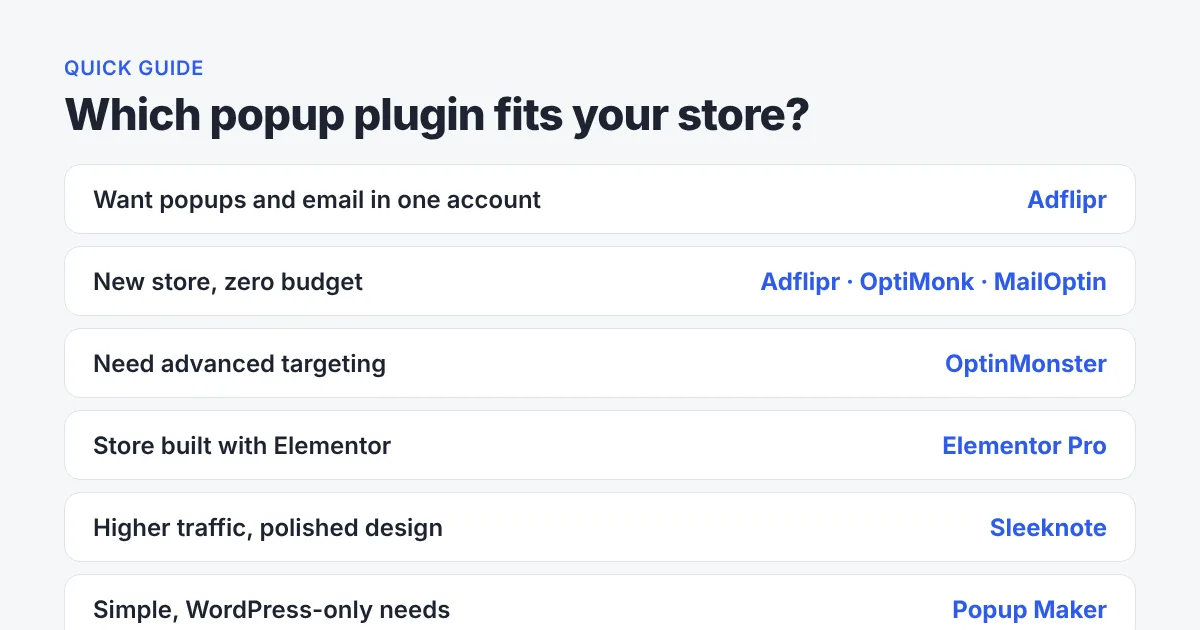
Use this table to match your situation to a tool.
| Your situation | Good fit | Why |
|---|---|---|
| Want popups and email in one account | Adflipr | Signups go straight into your email flows |
| New store, zero budget | Adflipr, OptiMonk, MailOptin, Icegram Engage | Free plans or free plugins |
| Need advanced targeting | Adflipr, OptinMonster | Deep targeting rules |
| Store built with Elementor | Elementor Pro | Popup builder is in the editor |
| Higher traffic, polished design | Sleeknote | Strong templates and targeting |
| Simple, WordPress-only needs | Popup Maker | Flexible and lightweight |
Plugin or Script-Based Tool: What Is the Difference?
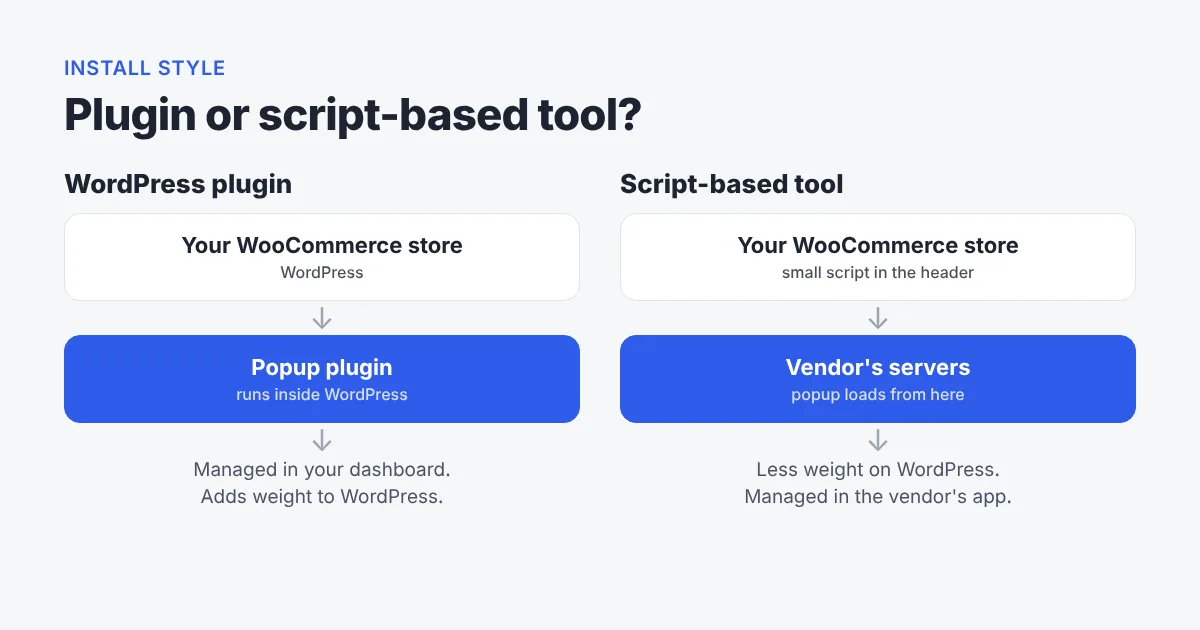
Some tools install as a WordPress plugin. Others add a small script to your site header. Both work with WooCommerce.
Plugins run inside WordPress, so you manage them in your dashboard. However, too many plugins can slow a site. Script-based tools load from the vendor’s servers instead, so they add less weight to WordPress itself.
In short, a plugin suits a small store with simple needs. A script-based tool suits a store that wants more testing and targeting.
The 10 Best WooCommerce Popup Plugins
1. Adflipr
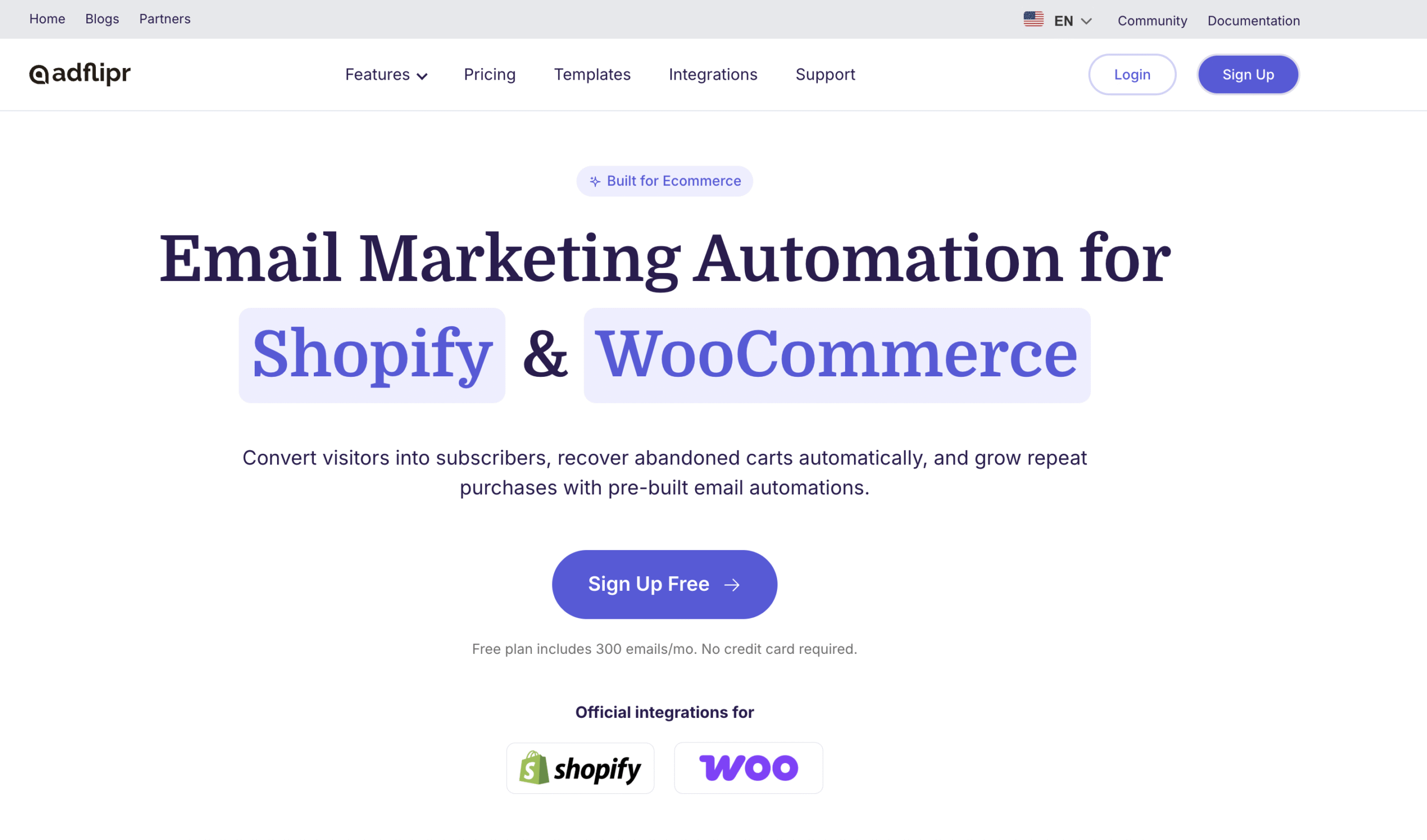
Adflipr is an ecommerce email marketing platform that connects to WooCommerce. Its popup form builder sits in the same account as your email campaigns and automations.
That setup matters for one reason. A popup is only the first step, and the sales come from the emails that follow. With Adflipr, a signup lands in your contact list right away. Then you can send a welcome email without moving data between two tools.
Here is how Adflipr helps at each stage:
- Capture: build popup forms for your WooCommerce store, such as a welcome offer for first-time visitors, with advanced targeting to show each popup to the right shoppers.
- Welcome: send a welcome email as soon as someone signs up.
- Recover: follow up with cart reminders when shoppers leave items behind.
- Manage: keep every subscriber in one list, so you pay for one tool, not two.
- Price: there is a free plan, and you can start without a credit card. See the pricing page for current limits.
- Best for: WooCommerce stores that want popups and email in one place.
- Skip it if: you only need a standalone popup and no email tool.
Read more about Adflipr popup forms or our WooCommerce integration.
2. OptinMonster
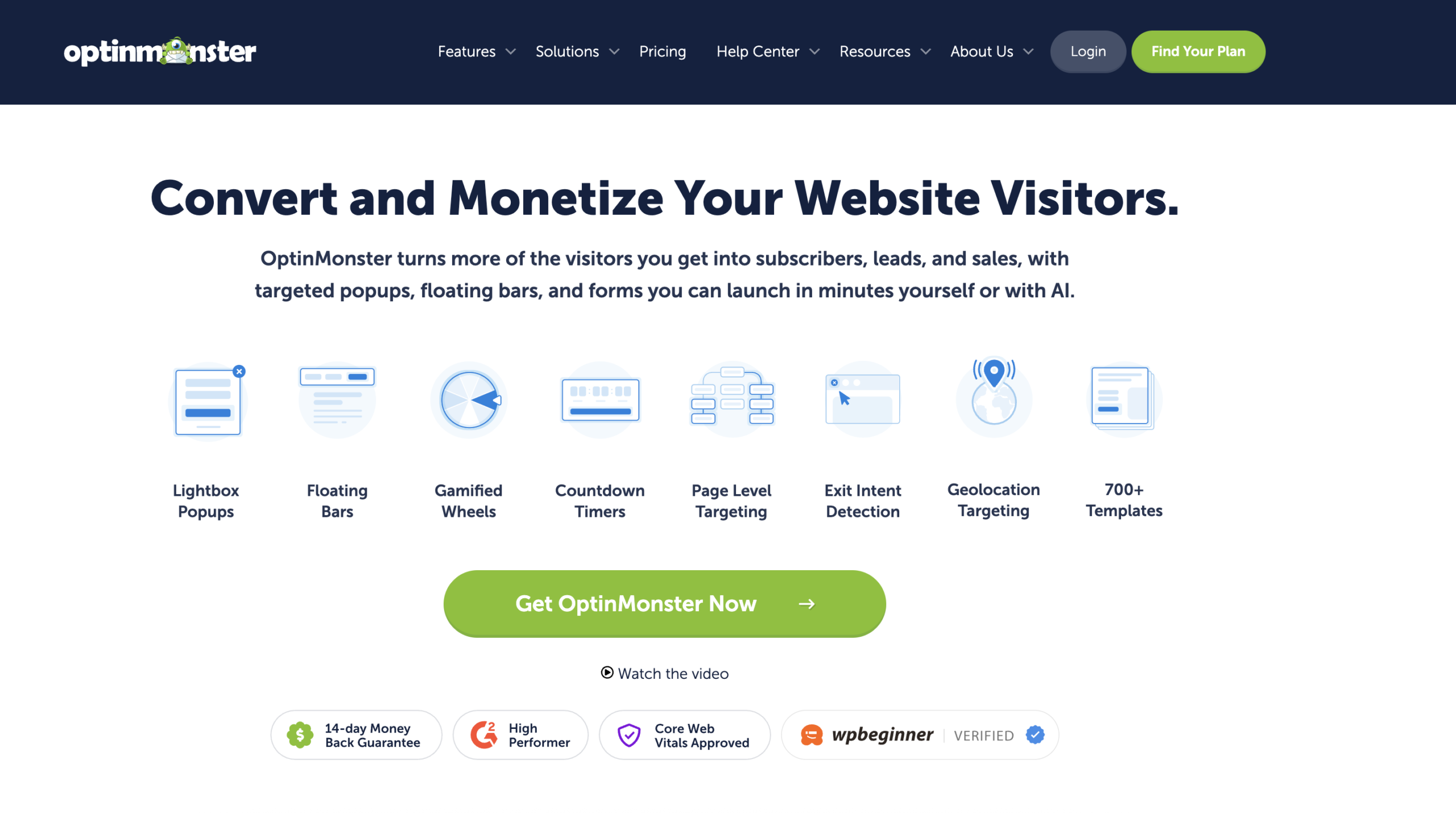
OptinMonster appears in almost every roundup. It is a drag-and-drop builder with targeting and exit-intent popups. Visit OptinMonster.
- Price: Basic starts at $9 a month as an intro price, then renews at $210 a year. There is no permanent free plan, only a trial.
- WooCommerce: exit intent is on the Pro plan and above. The WooCommerce integration is on the Growth plan.
- Best for: stores that want detailed targeting and can pay for it.
- Skip it if: you need a free plan, or you want WooCommerce tools on a low tier.
3. Sleeknote

Sleeknote is a script-based popup tool with strong design and targeting. It also offers gamified popups on a higher plan. Visit Sleeknote.
- Price: Core starts at $55 a month billed annually, or $69 billed monthly, for up to 25,000 monthly visitors. A 14-day trial is available.
- Best for: stores with steady traffic that want polished popups.
- Skip it if: you are just starting, since there is no free plan.
4. OptiMonk

OptiMonk builds popups and includes an AI helper that drafts on-brand designs from a short description. It also supports A/B testing and personalization. Visit OptiMonk.
- Price: the free plan covers 10,000 pageviews a month. Paid plans start at $19 a month billed yearly, or $29 billed monthly.
- Best for: new and growing stores that want a real free plan.
- Skip it if: your traffic is high, because paid tiers rise with pageviews.
5. MailOptin
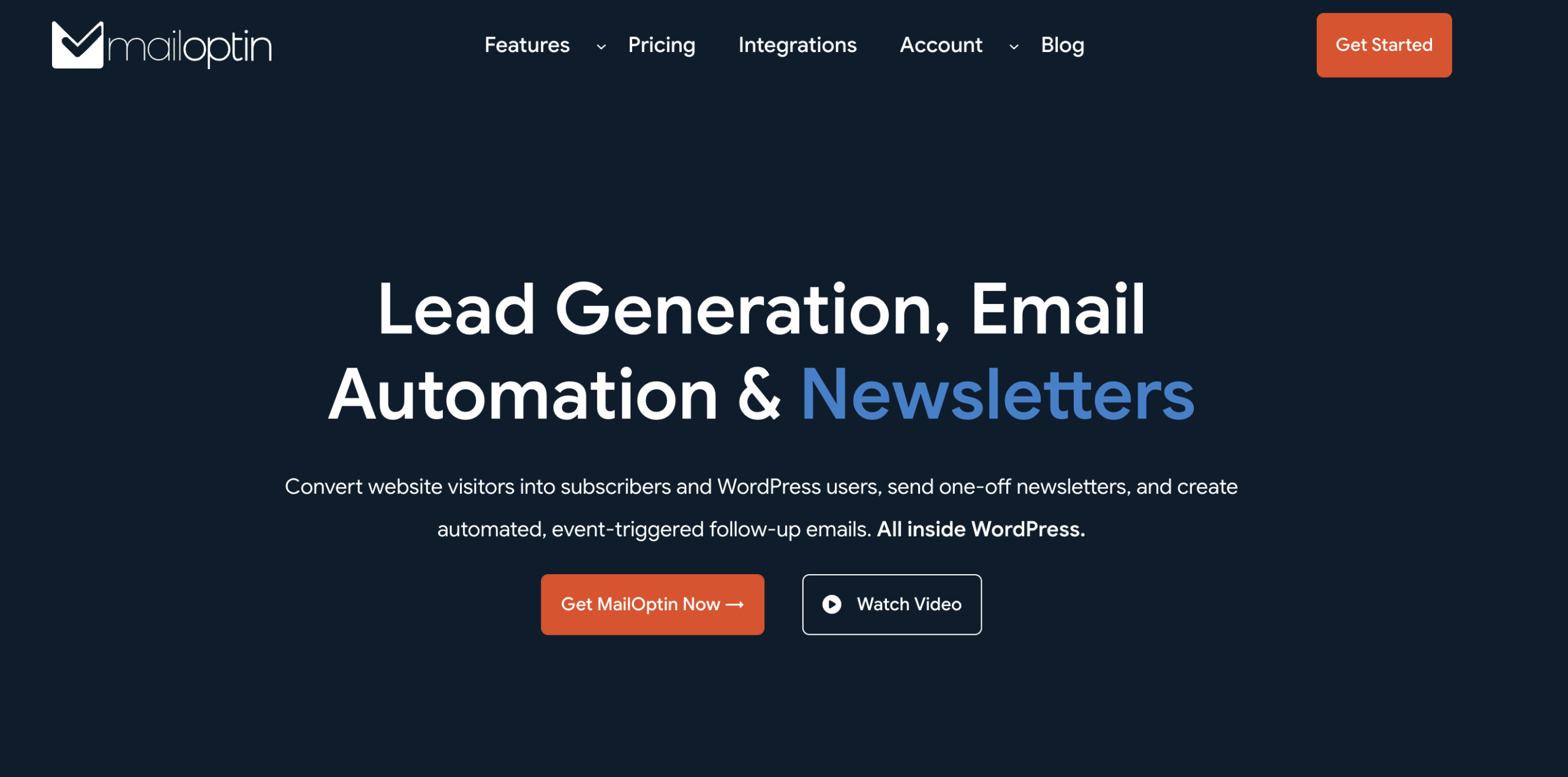
MailOptin is a WordPress plugin for popups and email capture. The free version works with WooCommerce customer data and adds a subscribe box at checkout. See MailOptin on WordPress.org.
- Price: free to start, with paid Premium upgrades.
- WooCommerce: Premium adds rules based on cart contents, purchase history and customer spend, plus exit-intent popups.
- Reputation: 10,000+ installs and a 4.8 rating from 438 reviews on WordPress.org.
- Best for: small stores that want a free, WordPress-native option.
- Skip it if: you want exit intent without paying, since that is Premium.
6. Icegram Engage
Icegram Engage offers several message types, not just popups. Free users get lightbox popups, action bars, slide-ins and toast notifications. See Icegram Engage on WordPress.org.
- Price: the free version has unlimited campaigns and impressions. The paid Max plan adds more types.
- WooCommerce: free includes sticky promo bars for free-shipping goals. Max adds exit-intent coupon popups for shoppers leaving the cart or checkout.
- Reputation: 10,000+ installs and a 4.7 rating from 370 reviews.
- Best for: stores that want promo bars and popups in one plugin.
- Skip it if: you need cart-based exit coupons on a free plan.
7. Popup Maker
Popup Maker is a long-running WordPress plugin. It handles basic popups well and can be extended. Visit Popup Maker.
- Price: a limited free plan exists. Pro costs $99 a year, or $59.40 in the first year with the launch discount.
- WooCommerce: Pro includes basic WooCommerce integration. Advanced cart and discount features need Pro+, at $249 a year.
- Best for: WordPress users who like a simple, flexible tool.
- Skip it if: you want exit intent for free, because that sits in Pro.
8. Poptin

Poptin is a popup and form tool with a template library. It also has a small email product. Visit Poptin.
- Price: the free plan covers 1,000 visitors a month on one domain. Basic starts at $25 a month, billed annually at $240.
- Best for: very small stores that want a quick start.
- Skip it if: your traffic passes 1,000 visitors a month. Poptin’s pricing page does not mention WooCommerce by name, so test it on your store first.
9. Elementor Pro

Elementor is a page builder, and its popup builder lives inside the editor. As a result, popups match the rest of your design. Visit Elementor.
- Price: the popup builder is not in the Essential plan. It needs a higher paid plan, so check the current price on Elementor’s site.
- Best for: stores already built with Elementor.
- Skip it if: you don’t use Elementor, because you would pay for a builder just to get popups.
10. YITH WooCommerce Popup
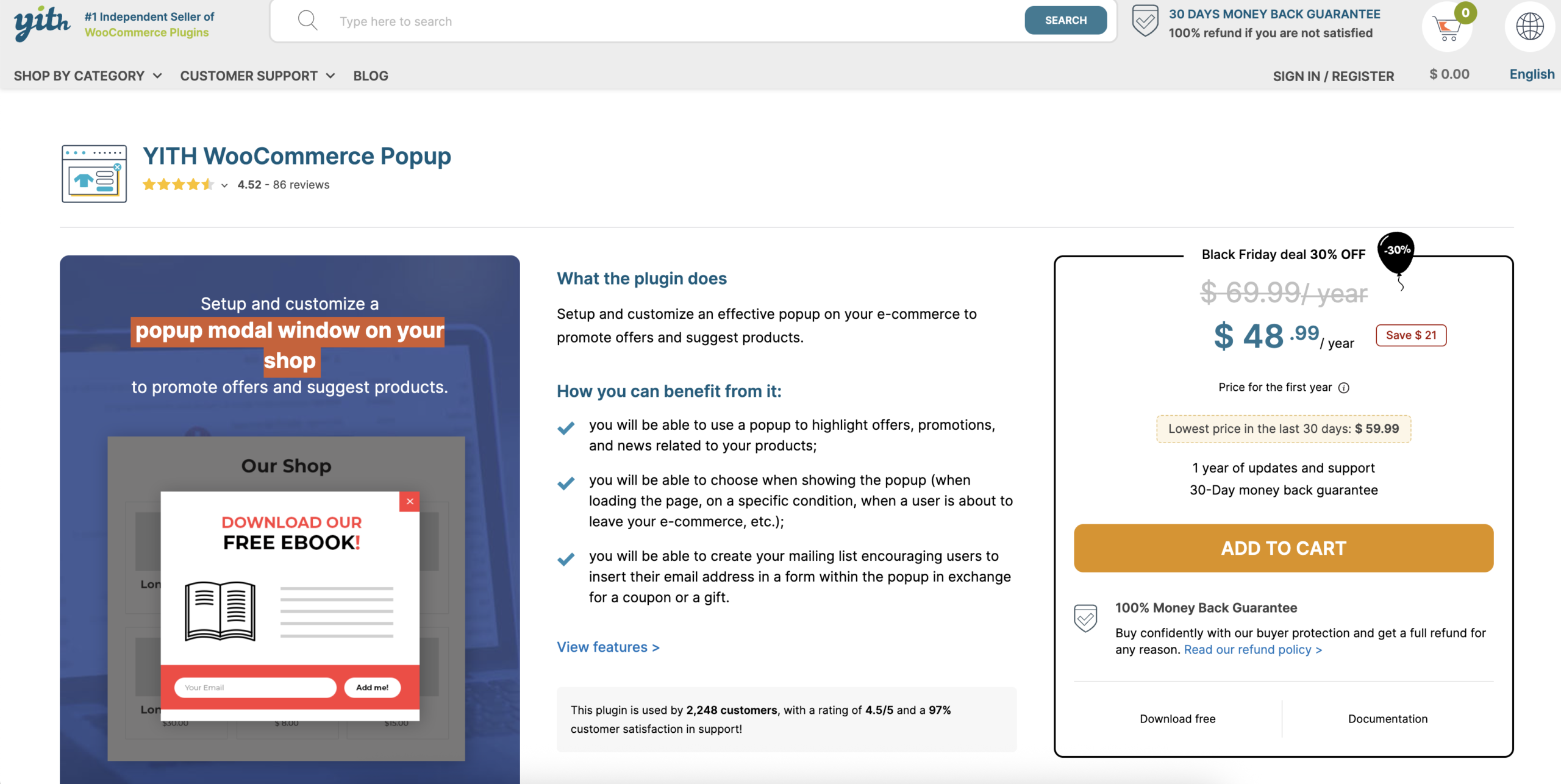
YITH WooCommerce Popup is built for WooCommerce. It can show a message, a newsletter form or products from your store, and you can assign a different popup to each page. See YITH WooCommerce Popup on WordPress.org.
- Price: a free version exists, with optional paid upgrades.
- Reputation: about 2,000+ active installs and a 2.4 rating from 11 reviews on WordPress.org. The plugin was updated recently.
- Best for: simple, page-by-page popups on a tight budget.
- Skip it if: reviews matter to you. The low rating suggests trying it on a staging site first.
Quick Comparison of WooCommerce Popup Plugins
| Plugin | Free plan | Starting price (Nov 2026) | Type |
|---|---|---|---|
| Adflipr | Yes | See pricing page | Email platform with popups |
| OptinMonster | Trial only | $9/mo intro, renews $210/yr | Script and plugin |
| Sleeknote | Trial only | $55/mo yearly | Script |
| OptiMonk | Yes, 10,000 pageviews | $19/mo yearly | Script |
| MailOptin | Yes | Premium upgrade | WordPress plugin |
| Icegram Engage | Yes | Max plan | WordPress plugin |
| Popup Maker | Limited | $99/yr | WordPress plugin |
| Poptin | Yes, 1,000 visitors | $25/mo yearly | Script |
| Elementor Pro | No | Paid plans only | Page builder |
| YITH WooCommerce Popup | Yes | Paid upgrade | WordPress plugin |
How Adflipr Helps WooCommerce Stores
Most popup tools stop at the signup. Adflipr keeps going, because popups, contacts and email live in one account. That is why we rank it first for stores that want to grow an email list and sell to it.
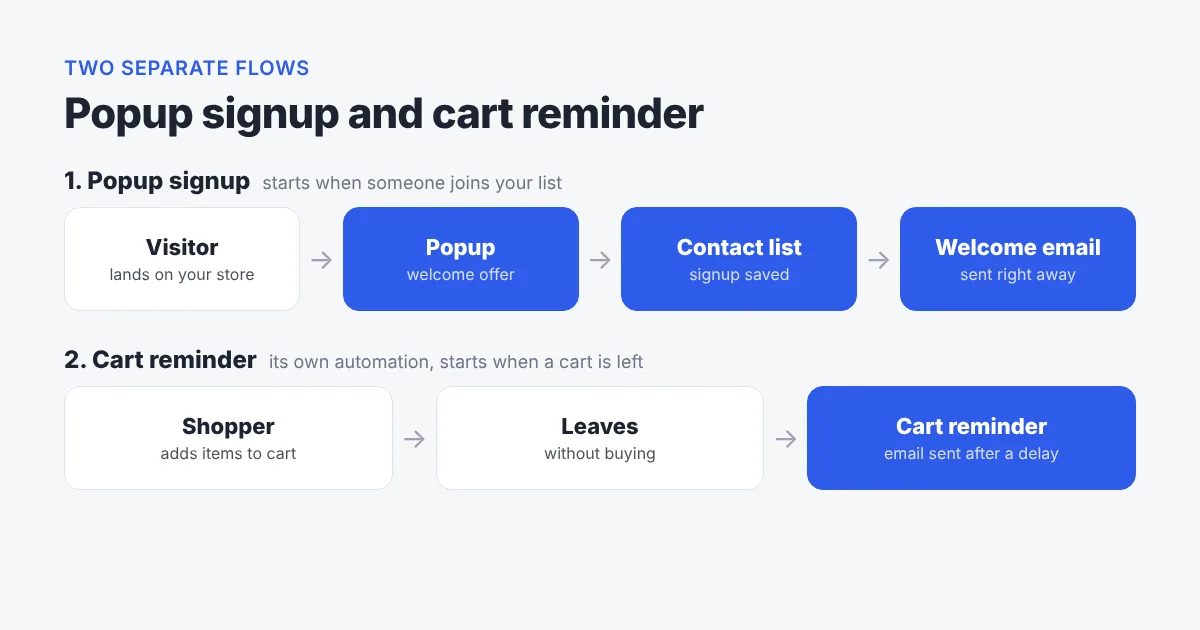
Here is a simple flow:
- Connect your store. Link WooCommerce to Adflipr in one click.
- Build your popup. Use the popup form builder to create a welcome offer.
- Publish it. Show it to visitors on your store.
- Send a welcome email. New signups get a message right away.
- Add a separate cart reminder. Bring back shoppers who leave items behind.
If you are new to popups, start with one welcome offer. Then add a second popup only after you have measured the first. Our popup form guide covers timing and design.
Make Your WooCommerce Popups Work Harder
Picking a tool is only half the job. Three habits matter more than which plugin you choose.
- Wait before you show it. Use a short delay or an exit trigger, not an instant popup.
- Keep mobile easy. Google warns against intrusive interstitials, so make the close button easy to tap. See Google’s guidance on intrusive interstitials.
- Never block checkout. Skip the popup for shoppers who are ready to pay.
A popup only collects the email. The sales come from what you send next. So send a welcome email within minutes, then follow with a cart reminder if they leave items behind. See our guides on abandoned cart emails for WooCommerce and how to build an email list.
Frequently Asked Questions
OptiMonk’s free plan covers 10,000 pageviews a month. MailOptin and Icegram Engage are free plugins. Adflipr also has a free plan, and its popups and email share one account. Each keeps some features, like exit intent, on paid tiers.
They can. Plugins run inside WordPress and add weight. Script-based tools load from the vendor’s servers. Either way, use one popup tool and test your page speed after you publish.
Intrusive popups on mobile can. Google advises against full-screen popups that block content. Use a delay, an easy close button, and avoid covering the page right after a click from search.
It shows when a visitor’s cursor moves to leave the page. It gives you a last chance to share an offer. Many tools place exit intent on paid plans.
Partly. A popup can offer help before a shopper leaves. However, a cart recovery email reaches people after they leave, so use both together.
Start with one on your key pages. Add a second only if you can measure it. Too many popups push shoppers away.
Choose a plugin for a small, simple store. Choose a script-based tool if you want testing and more targeting. Both work with WooCommerce.
Final Thoughts
The best WooCommerce popup plugin depends on your budget and tools. If you want popups and email working together, start with Adflipr for free. If you only need a standalone popup, OptiMonk and MailOptin are good places to begin.