WhatsApp has become one of the most effective channels for Shopify stores to recover abandoned carts, announce restocks and keep customers updated. This guide ranks the best WhatsApp marketing tools for Shopify, comparing 10 options: Adflipr, Keaz, Dondy, Interakt, Zoko, Wati, AiSensy, Kanal, DelightChat and Getgabs. The right choice depends on three things: whether the tool runs on the official WhatsApp Business Platform, how deeply it syncs Shopify data (carts, orders, products), and whether you also need email, a shared team inbox or cash-on-delivery (COD) verification.
The 10 tools at a glance
| # | Tool | Best for | Standout capability |
|---|---|---|---|
| 1 | Adflipr | Stores combining email and WhatsApp automation | Native Shopify and WooCommerce sync with revenue reporting |
| 2 | Keaz | Ready-made WhatsApp flows | Pre-written flows triggered by Shopify events |
| 3 | Dondy | Getting started with WhatsApp | Chat button that upgrades to API automation |
| 4 | Interakt | Growing D2C brands | Shared inbox, cart reminders and COD confirmation |
| 5 | Zoko | WhatsApp commerce | Shopify catalog sync and in-chat buying |
| 6 | Wati | Support-heavy teams | Shared inbox with no-code chatbot builder |
| 7 | AiSensy | COD-heavy and India-focused stores | COD verification, click-to-WhatsApp ads and payments |
| 8 | Kanal | Detailed flow control | Visual flow builder with Klaviyo and helpdesk integrations |
| 9 | DelightChat | Support and marketing in one inbox | Omnichannel helpdesk with WhatsApp campaigns |
| 10 | Getgabs | Simple, low-friction setups | Cart recovery, broadcasts and order alerts in one app |
What is WhatsApp marketing for Shopify?
WhatsApp marketing for Shopify means sending permission-based messages, such as cart reminders, back-in-stock alerts, order updates and offers, to customers through the WhatsApp Business Platform, triggered by what happens in your store.
A typical automated journey works like this:
- A customer opts in at checkout, in a popup or through a click-to-WhatsApp ad.
- Your app syncs Shopify data such as carts, orders and products.
- A Shopify event fires (checkout abandoned, order shipped, product restocked).
- A pre-approved template message is sent on WhatsApp with a checkout link or tracking details.
- The customer replies or buys, and the conversation lands in your inbox or a chatbot handles it.
A few terms you will see throughout this guide:
- WhatsApp Business Platform (API): Meta’s official system for automated and bulk business messaging. Apps that connect to it are often called Business Solution Providers (BSPs).
- Template message: a pre-approved message you can send to opted-in customers outside an active chat.
- Customer service window: the 24-hour period after a customer messages you, during which you can reply freely.
- Click-to-WhatsApp ad: a Facebook or Instagram ad that opens a WhatsApp chat with your business.
Chat widget, API platform or Shopify’s own tools?
Most confusion in this category comes from three very different kinds of product sharing the same name.
| Type | What it does | Can it message customers first? | Best for |
|---|---|---|---|
| Chat widget | Adds a WhatsApp button to your store | No, the visitor starts the chat | Pre-sales questions |
| WhatsApp Business API platform | Automation, broadcasts, templates, inbox, AI | Yes, with opt-in and approved templates | Cart recovery, campaigns, order updates |
| Shopify’s native tools | WhatsApp campaigns inside Shopify Messaging, plus Meta’s official app for order updates | Yes, with opt-in | Simple campaigns and notifications |
If you want revenue from the channel rather than just a contact button, you need an API-based platform or Shopify’s native WhatsApp campaigns.
How we chose these tools
We compared each tool against seven criteria:
- Official WhatsApp Business Platform access (not unofficial workarounds)
- Shopify data depth: carts, orders, products and customers synced automatically
- Automation: Shopify-triggered flows for carts, orders and restocks
- Segmentation and campaigns: targeted broadcasts using purchase and behavior data
- Conversations: shared inbox, chatbot or AI assistance
- Consent and compliance tooling: opt-in capture and opt-out handling
- Fit with your stack: email, helpdesk and analytics integrations
We based the comparison on each vendor’s website, its Shopify App Store listing and Meta’s public documentation, all checked in October 2026. Features change quickly, so confirm details with the vendor before you commit.
The 10 best WhatsApp marketing tools for Shopify
1. Adflipr: best for combining email and WhatsApp automation
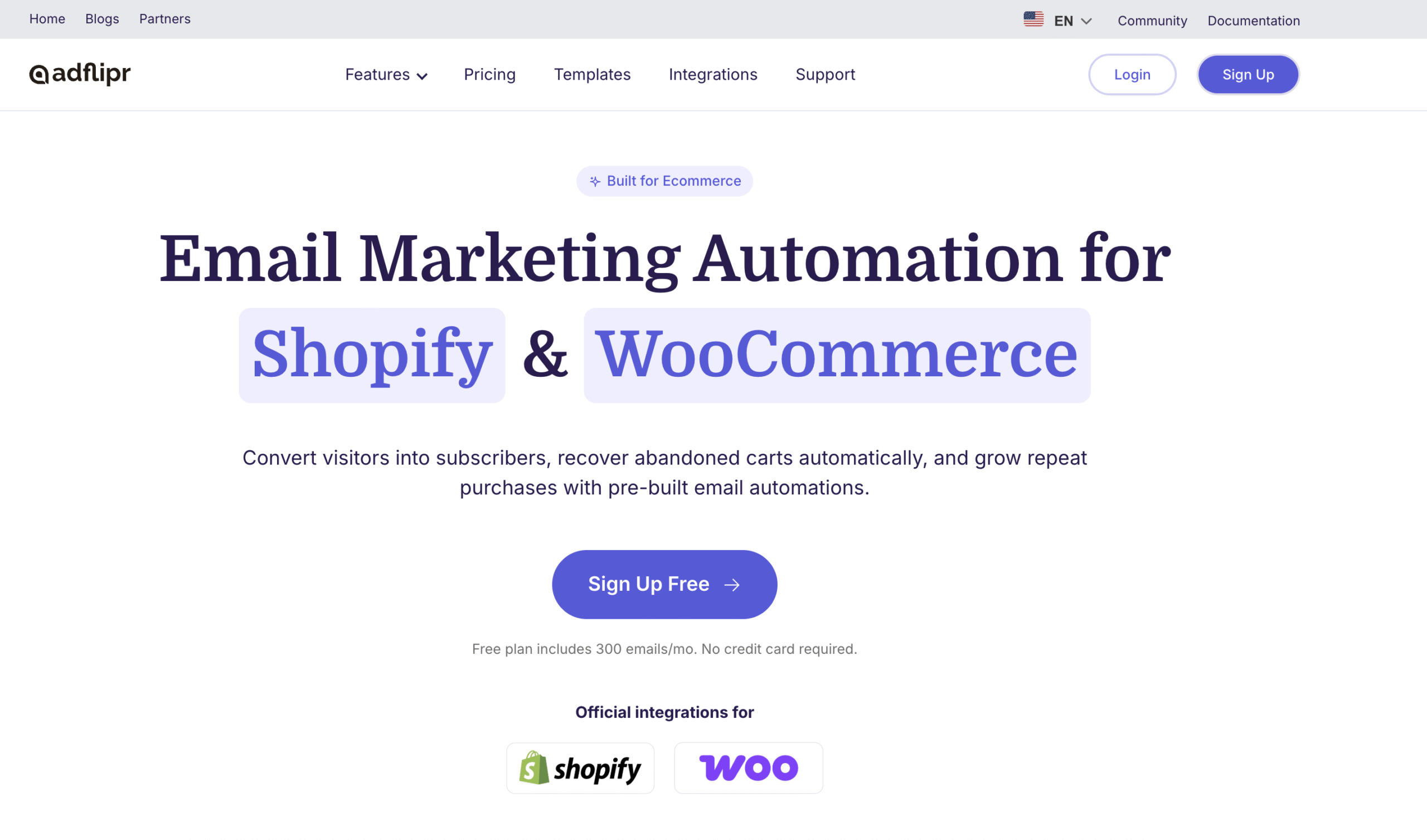
Adflipr is an e-commerce marketing automation platform for Shopify and WooCommerce. It connects directly to your store, syncs customer and order data automatically, and ties campaign results to real revenue rather than just opens and clicks. It also supports WhatsApp inbound automations, so conversations that begin on WhatsApp can run on the same automation logic as your email flows.
Standout features
- Native Shopify and WooCommerce integration with real-time data sync
- Automated flows such as abandoned cart recovery, welcome and post-purchase
- Segmentation by behavior and purchase history
- Popups and landing pages that grow your subscriber list
- Revenue-based analytics, an AI subject line generator and an email auditor
Best for: stores that want email, list building and WhatsApp automation working from one set of customer data.
Keep in mind: Adflipr is strongest where email and on-site capture feed your automations. If your main need is high-volume WhatsApp broadcasts and a multi-agent inbox, compare it with the dedicated WhatsApp platforms below.
2. Keaz: best for ready-made Shopify WhatsApp flows
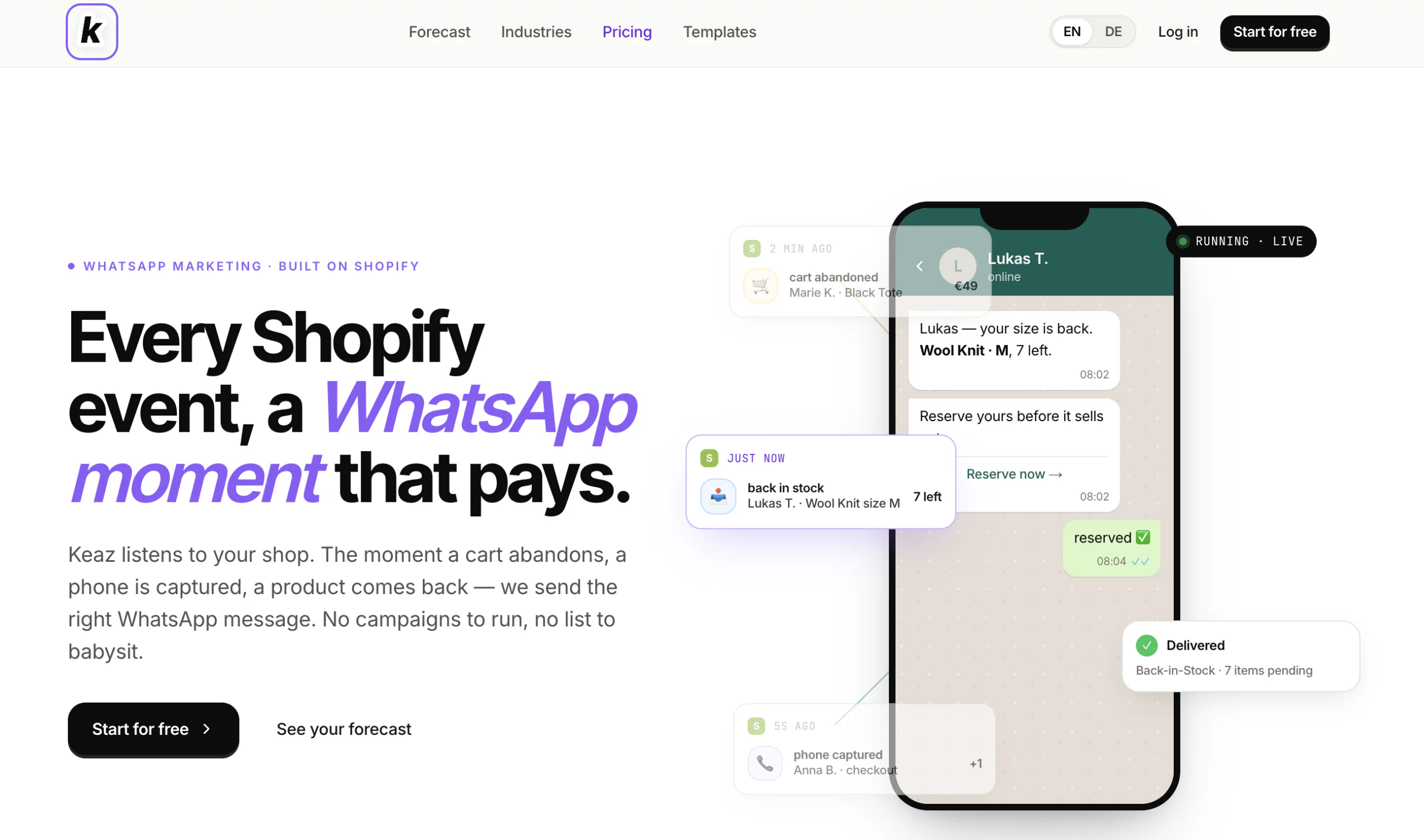
Keaz is built specifically for Shopify. It turns store events, such as an abandoned cart or a product returning to stock, into WhatsApp messages automatically.
Standout features
- 10 pre-written flows, including Cart Recovery, Back-in-Stock and Welcome series
- Templates filled with your brand voice and product names, editable in a built-in editor
- Works alongside your existing email tool
Best for: Shopify brands that want ready-made WhatsApp flows.
3. Dondy: best for getting started
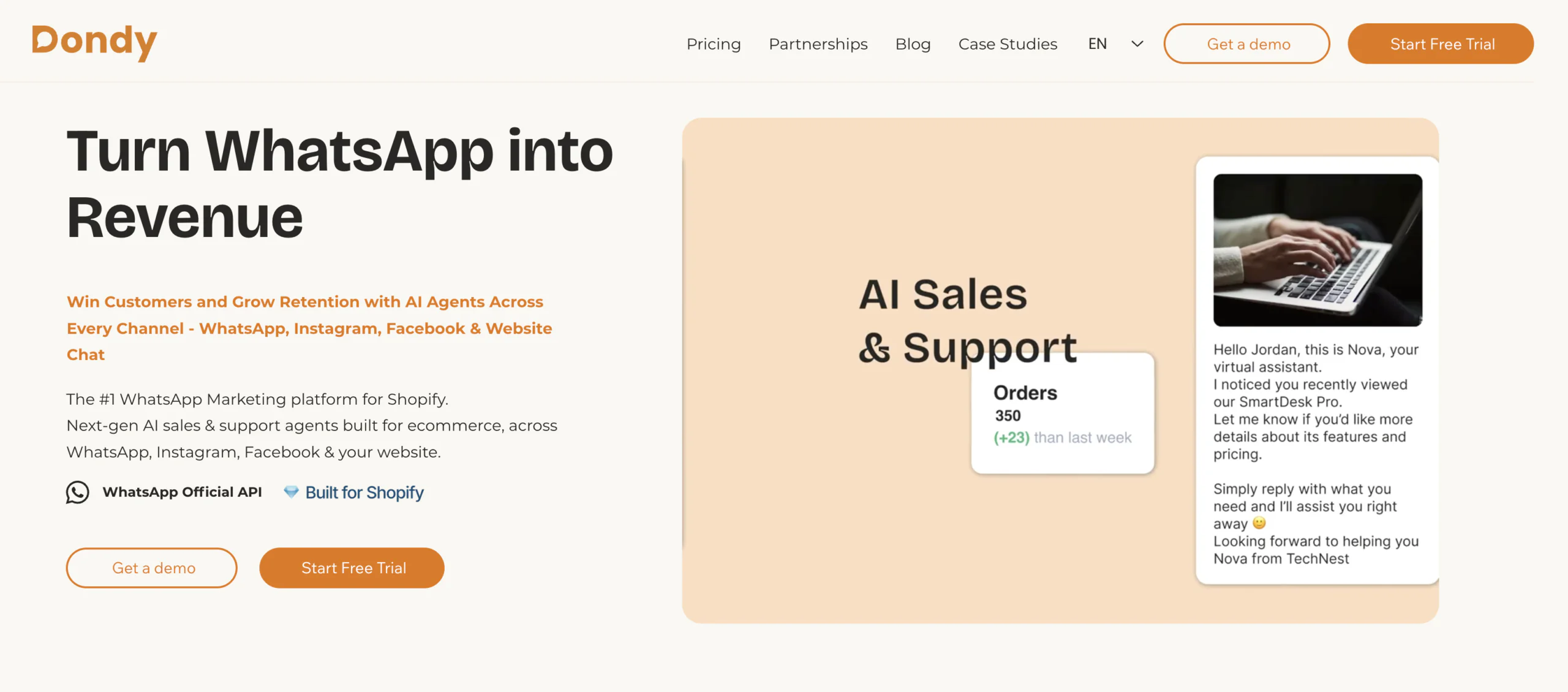
Dondy covers the essentials with a no-code setup: welcome messages, abandoned cart recovery, referral campaigns, broadcasts and an AI chatbot. Its WhatsApp button can start as a simple widget, and its automation plans run on the official API.
Best for: small stores testing WhatsApp for the first time.
Keep in mind: the free button does not send automated messages. Cart recovery and campaigns require the API-based plans.
4. Interakt: best for growing D2C brands
Interakt is built on the official WhatsApp Business API. It sends automated cart reminders, order, shipment and cancellation updates, runs bulk campaigns, and confirms COD orders on WhatsApp. A shared team inbox keeps conversations organized.
Best for: small to mid-size stores that want automation plus a team inbox.
5. Zoko: best for WhatsApp commerce
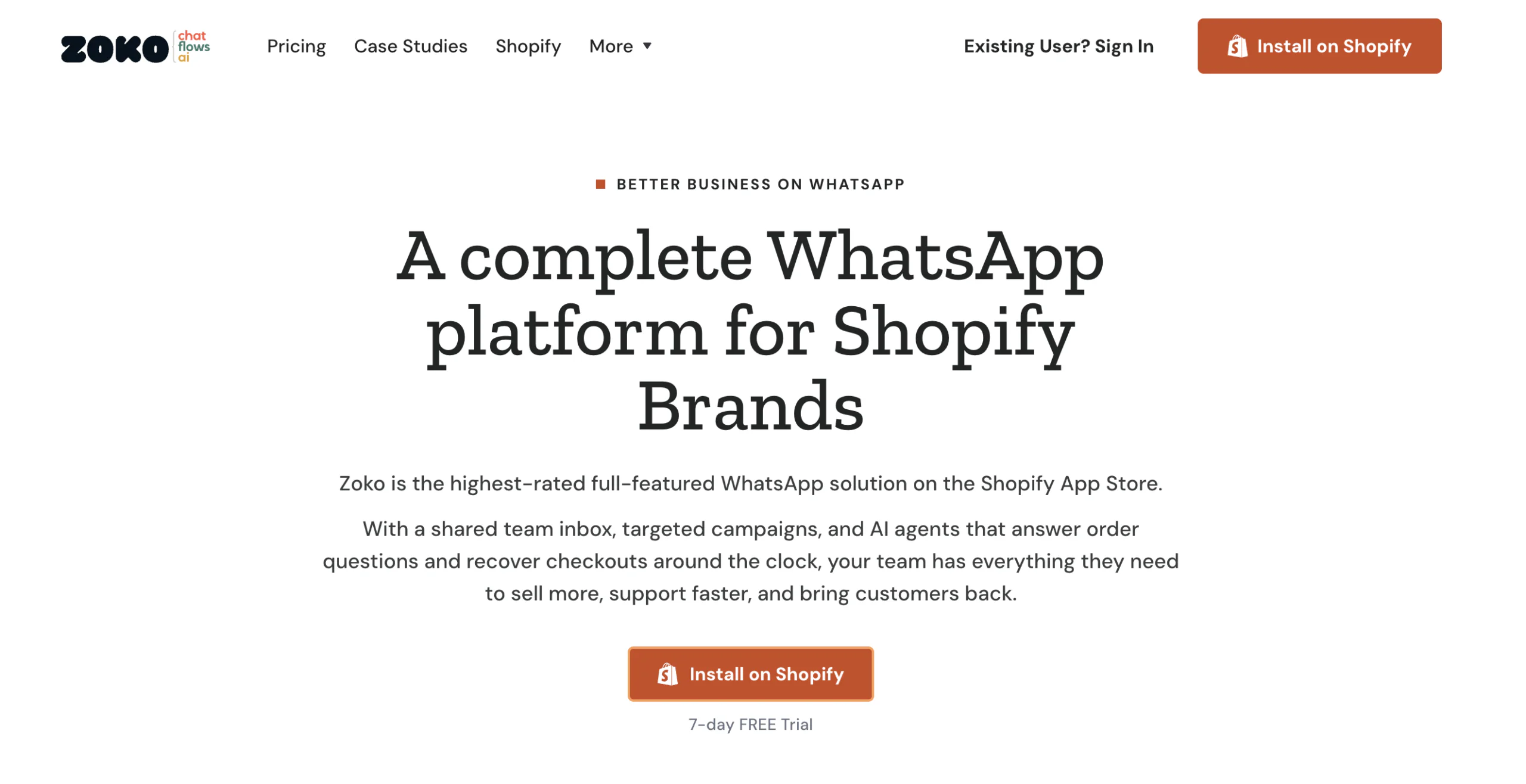
Zoko is built for Shopify and D2C brands that want to sell inside WhatsApp. It syncs your Shopify catalog, sends broadcasts to customer segments, recovers carts and offers a multi-agent inbox. AI bots and Instagram integration are optional add-ons.
Best for: brands that want WhatsApp to work as a sales channel, not only a notification channel.
6. Wati: best for team collaboration
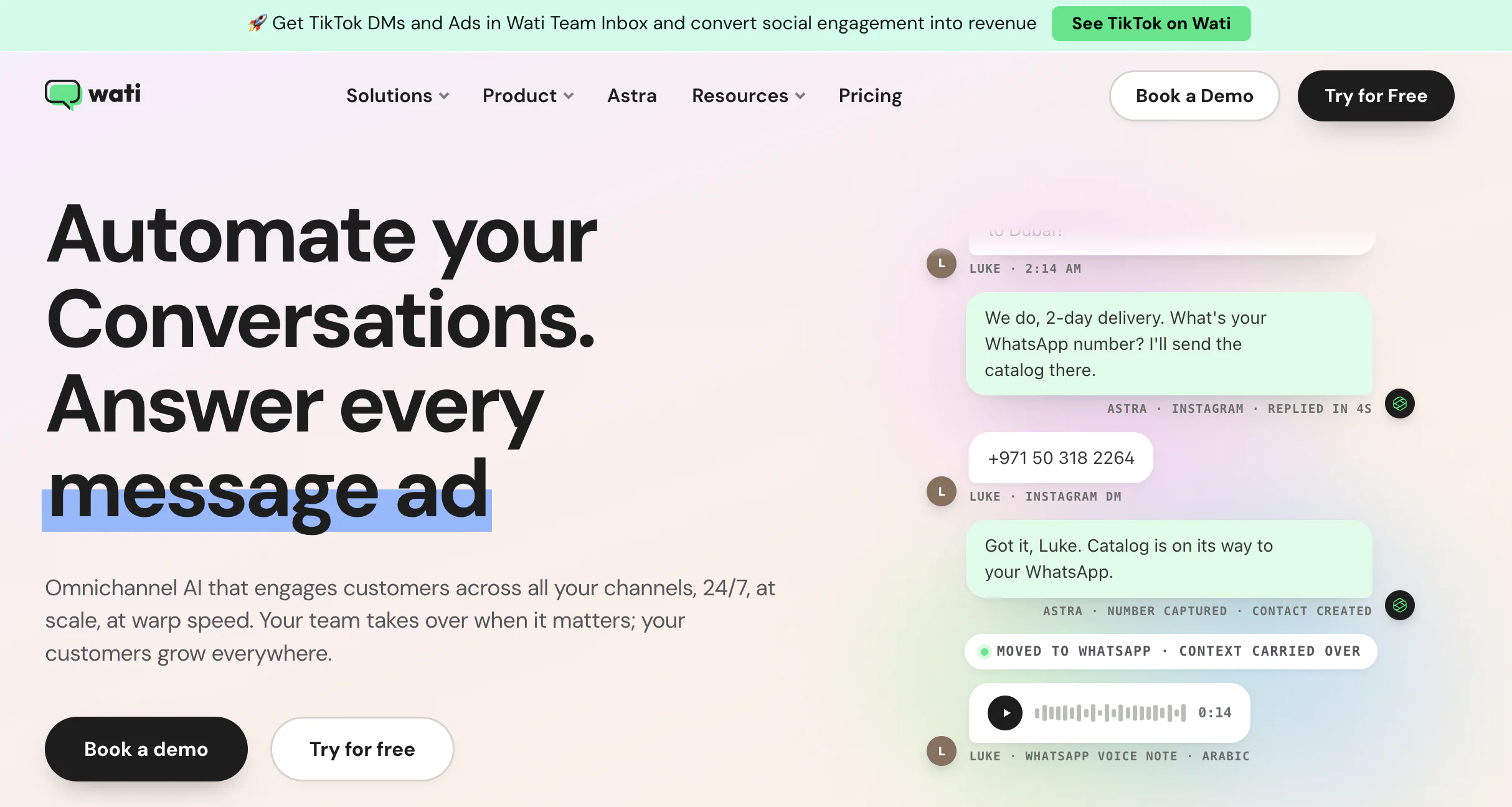
Wati centralizes WhatsApp conversations in a shared team inbox and adds a no-code chatbot builder, broadcasts, abandoned cart recovery and AI-assisted conversations.
Best for: stores where several people answer customer chats.
Keep in mind: its Shopify App Store rating is lower than most peers on this list, so read recent reviews before installing.
7. AiSensy: best for COD-heavy stores
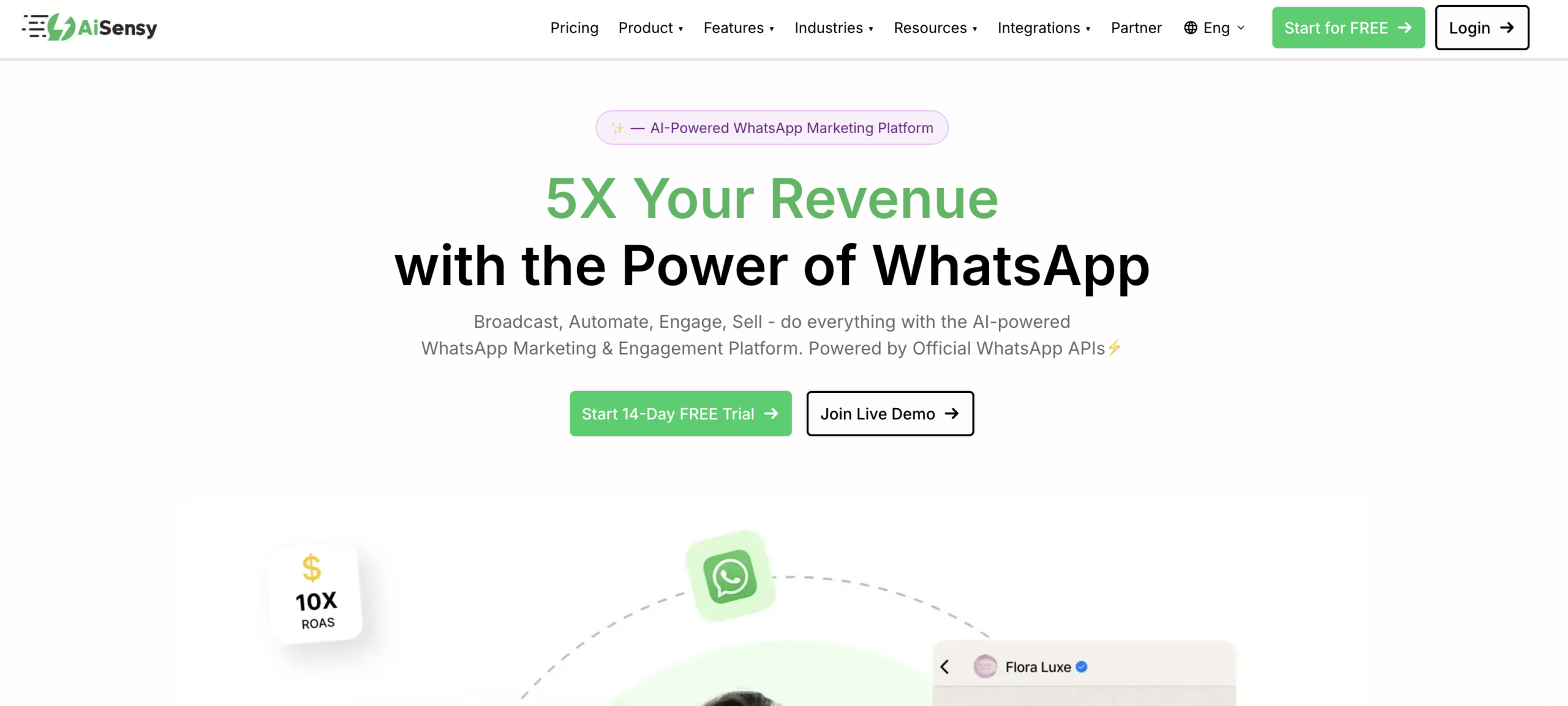
AiSensy combines broadcasts, abandoned cart recovery, COD verification, click-to-WhatsApp ad management, AI agents and in-chat payments. COD verification is valuable where cash payments drive return-to-origin losses.
Best for: D2C brands with high COD volume, particularly in India.
8. Kanal: best for visual flows
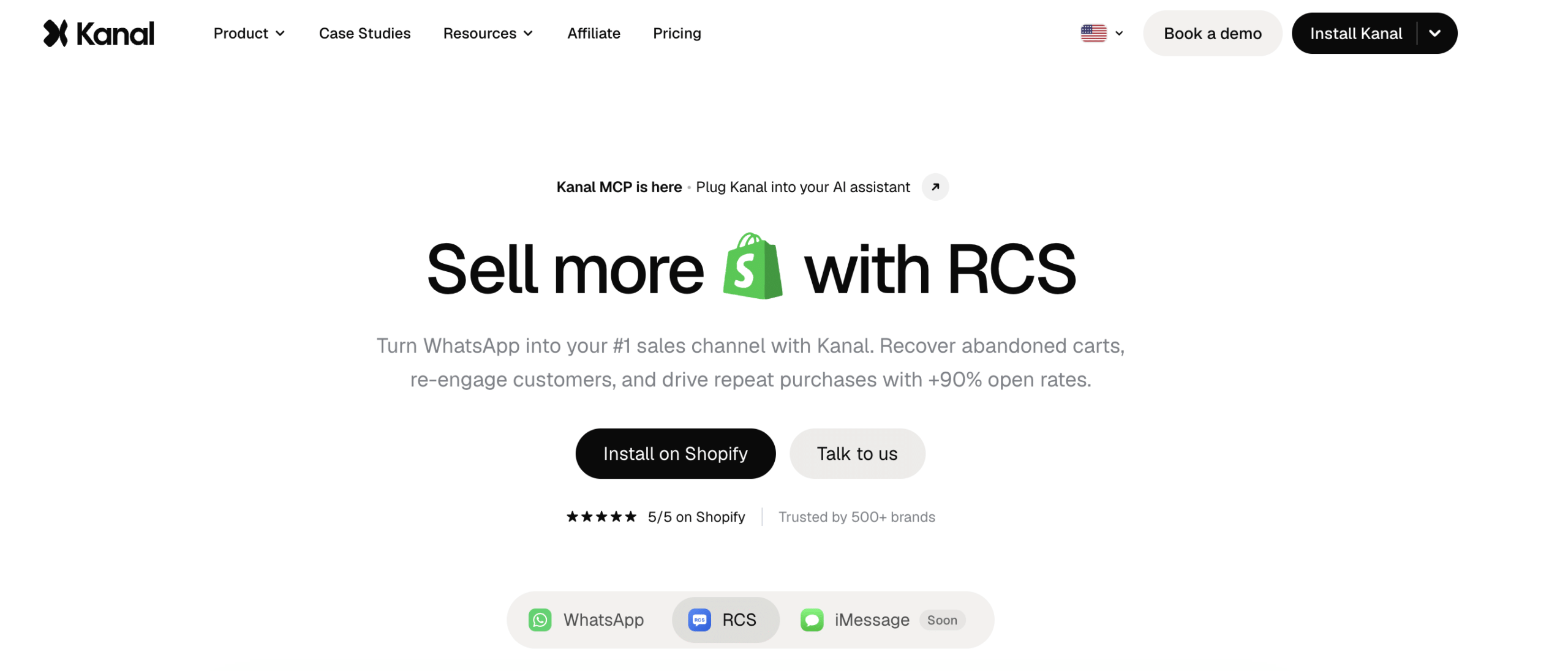
Kanal focuses on WhatsApp as a marketing channel for Shopify, with a visual flow builder, an AI chatbot and reporting per campaign and flow. It integrates with Klaviyo and helpdesks such as Gorgias and Zendesk, and also supports SMS.
Best for: brands that want fine control over flow logic and attribution.
Keep in mind: email stays in your existing email tool.
9. DelightChat: best for helpdesk plus marketing
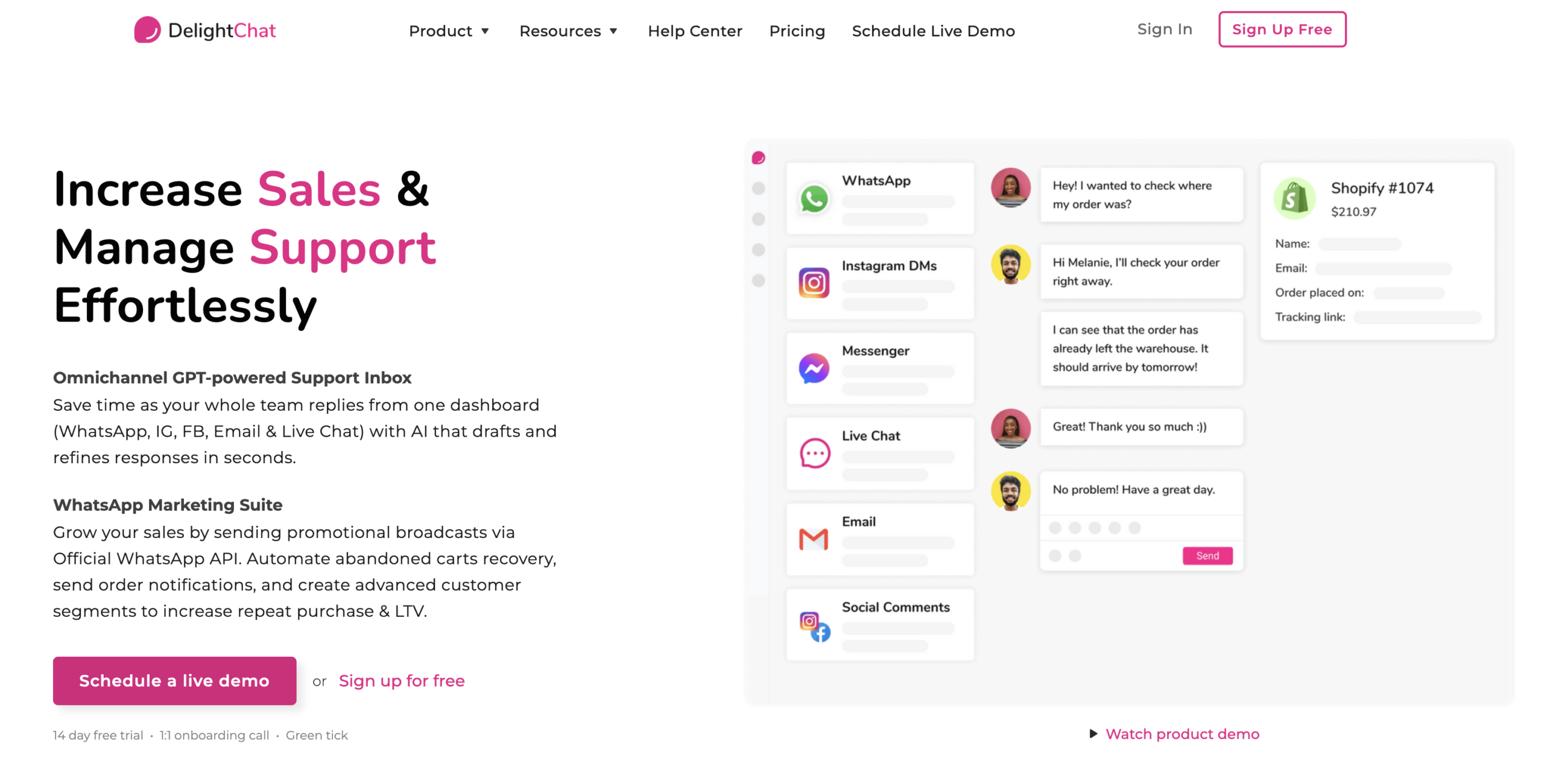
DelightChat is an omnichannel helpdesk that handles WhatsApp, Instagram, Facebook, email and website chat, with WhatsApp broadcasts, cart recovery, COD-to-prepaid workflows and Shopify Flow integration.
Best for: stores where support volume matters as much as marketing.
10. Getgabs: best for simple setups
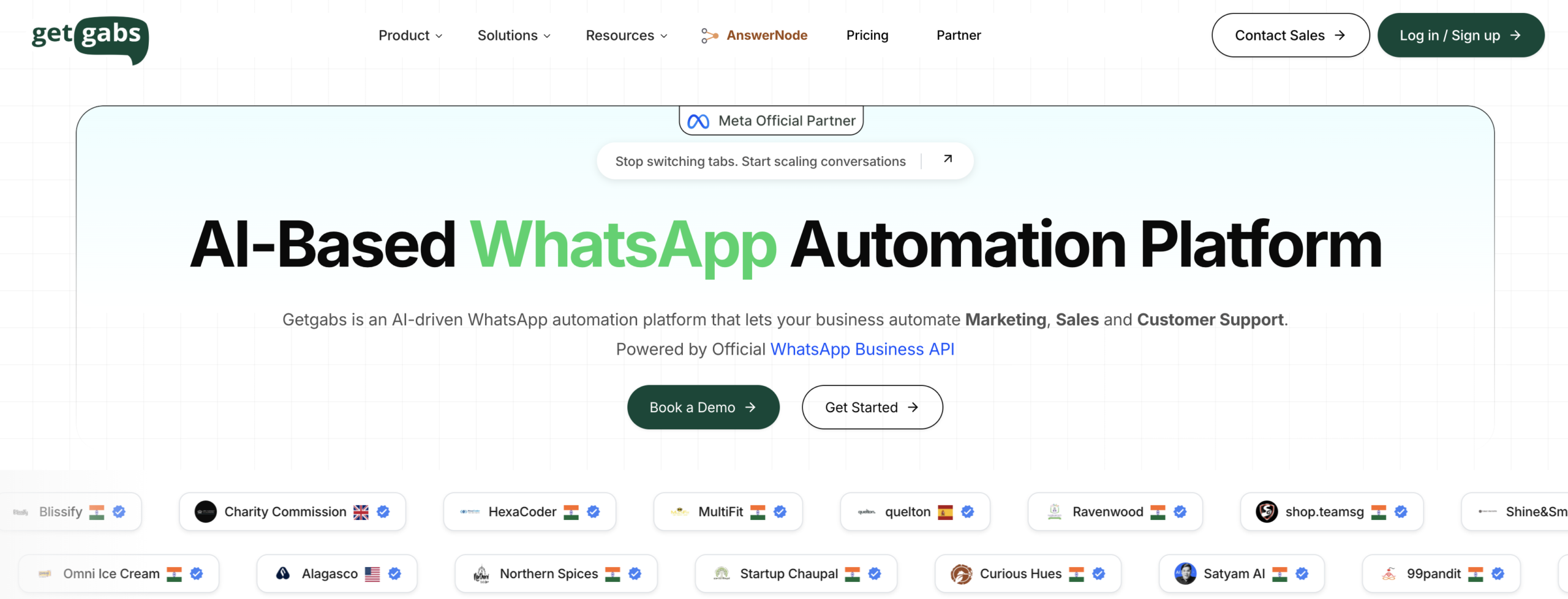
Getgabs is made for Shopify merchants who want marketing, automation and abandoned cart recovery without a complicated setup. It includes broadcasts, order notifications, a shared inbox and Shopify catalog sync on the official API.
Best for: very small stores that want an easy start.

What about Shopify’s own WhatsApp tools?
Shopify now offers two native routes:
- Shopify Messaging: since July 29, 2026, it supports WhatsApp marketing campaigns with pre-built templates, product catalog media, interactive buttons and keyword replies. See Shopify’s announcement and help center guide.
- WhatsApp by Meta: the official app focused on order notifications rather than full marketing automation.
Native tools suit simple campaigns. Choose a dedicated platform when you need behavior-triggered flows, advanced segmentation, a shared inbox or AI conversations.
Which tool fits your store?
| Your situation | Prioritize | Tools to shortlist |
|---|---|---|
| New store, testing the channel | Low-friction setup, simple automations | Dondy, Getgabs, Shopify Messaging |
| Strong email program, adding WhatsApp | Shared customer data, one dashboard | Adflipr, Keaz, Kanal |
| High COD share | COD verification, order confirmation | AiSensy, Interakt, DelightChat |
| Heavy customer support volume | Shared inbox, chatbot, helpdesk integration | Wati, DelightChat, Zoko |
| Selling directly in chat | Catalog sync, in-chat checkout | Zoko, AiSensy |
| Complex flows and attribution | Visual flow builder, per-flow reporting | Kanal, Keaz |
How much does WhatsApp marketing cost?
Your total cost has three layers, and only the first is the app subscription:
- Platform fee charged by the app or BSP
- Meta’s per-message charges for delivered template messages
- Add-ons such as AI agents, extra team seats or contact limits
Since July 1, 2025, Meta bills per delivered template message instead of per 24-hour conversation. Messages fall into four categories: marketing, utility, authentication and service. Marketing templates are always charged, rates differ widely by the customer’s country, and Meta has been adjusting how service and utility messages are billed during 2026. Check Meta’s pricing page for current rates.
Monthly cost = platform fee + (marketing messages × marketing rate) + (utility messages × utility rate) + add-ons
Two habits keep costs down: reply within the customer service window, and segment campaigns so you only message customers likely to act.
Opt-in and compliance checklist
WhatsApp rewards respectful messaging and penalizes spam with lower quality ratings and message limits. Before your first send:
- Collect explicit opt-in and say what customers will receive and how often.
- Capture consent at several points: checkout, popups, post-purchase pages and click-to-WhatsApp ads.
- Include a clear opt-out option and honor it immediately.
- Use approved templates and keep marketing and utility content separate.
- Never message purchased or scraped lists.
- Follow applicable privacy and marketing laws, such as GDPR in Europe and TCPA in the US, and keep proof of consent.
- Watch block and report rates, because they influence your account’s quality rating.
Launch your first WhatsApp flow in five steps
- Choose your tool using the criteria and table above.
- Connect Shopify and your WhatsApp Business number. Products, customers and orders should sync automatically.
- Build opt-in capture. Add the phone field at checkout and a popup or post-purchase prompt.
- Submit templates for approval and launch one high-intent flow first, usually abandoned cart recovery. See our email campaign strategies for sequencing ideas that transfer to WhatsApp.
- Measure, then expand to back-in-stock, order updates, post-purchase and re-order reminders.
Message templates you can adapt
These are starting points. Replace the placeholders, keep the tone consistent with your brand, and submit them through your app for approval.
Abandoned cart (about one hour after abandonment)
“Hi {first_name}, you left {product_name} in your cart. It’s still saved for you. Finish your order here: {checkout_link}. Reply STOP to opt out.”
Back-in-stock alert
“Good news, {first_name}! {product_name} in {variant} is back in stock. Stock is limited, so grab yours here: {product_link}.”
Post-purchase review request (several days after delivery)
“Hi {first_name}, we hope you’re enjoying your {product_name}. Would you share a quick review? It takes less than a minute: {review_link}.”
How to measure WhatsApp marketing results
| Metric | What it tells you | How to calculate |
|---|---|---|
| Opt-in rate | How well you collect consent | Opted-in contacts ÷ total visitors or customers |
| Delivery rate | List and number quality | Delivered ÷ sent |
| Click-through rate | Message relevance | Link clicks ÷ delivered |
| Cart recovery rate | Flow effectiveness | Recovered orders ÷ abandoned carts messaged |
| Revenue per message | Channel profitability | Attributed revenue ÷ messages sent |
| Opt-out and block rate | Message fatigue | Opt-outs and blocks ÷ delivered |
Our guides to email marketing KPIs, analytics and metrics and benchmarks explain how to set up dashboards that work for WhatsApp too.
How to use WhatsApp and email together
WhatsApp works best as one channel in a coordinated program rather than a replacement for email:
- Use email for newsletters, long-form content and low-cost reach.
- Use WhatsApp for short, time-sensitive messages such as carts, restocks and delivery updates.
- Share segments across channels so a customer does not receive the same message twice. See why segmentation wins.
- Run an email marketing audit first to make sure your data and flows are healthy.
- Extend retention with post-purchase and re-order messages, as covered in our customer retention strategies. New to email? Start with the Shopify email marketing guide.
Common mistakes to avoid
- Installing a chat widget and expecting automated cart recovery
- Sending promotions without clear opt-in
- Messaging too often, which raises opt-outs and blocks
- Judging tools on subscription price alone and ignoring Meta’s message charges
- Launching many flows at once instead of perfecting one
- Skipping measurement, so you cannot tell which messages earn revenue
Key takeaways
- WhatsApp marketing works through the official WhatsApp Business Platform, with opt-in and approved templates.
- Chat widgets only let customers start conversations. API platforms and Shopify Messaging can message customers first.
- Pick a tool by Shopify data depth, automation, inbox needs and stack fit.
- Your real cost is the platform fee plus Meta’s per-message charges plus add-ons.
- Start with abandoned cart recovery, then expand, and measure revenue per message.
- Pair WhatsApp with email for the best results.
Features are based on publicly available information as of October 27, 2026. Check each vendor’s site for current details.
Frequently asked questions
No single tool is best for everyone. Adflipr suits stores combining email and WhatsApp, Keaz offers ready-made flows, Interakt and AiSensy fit COD-heavy stores, and Zoko suits in-chat selling. Match the tool to your needs.
Yes, for automated marketing. The WhatsApp Business API, accessed through an app or provider, supports approved templates, automation, broadcasts and multiple agents. The free WhatsApp Business app only suits small, manual conversations.
No. You need explicit opt-in, and marketing messages outside an active chat must use WhatsApp-approved templates. Messaging people without consent risks complaints, a lower quality rating and restricted sending for your account.
Costs combine the app’s platform fee, Meta’s per-message charges for delivered templates and any add-ons. Meta’s rates vary by message category and customer country, so check its pricing page and estimate your monthly volume.
Neither wins everywhere. WhatsApp suits short, time-sensitive messages like cart reminders and delivery updates, while email suits newsletters and long content. Most stores get the best results using both with shared segments.
Start with abandoned cart recovery, where purchase intent is highest. Then add a welcome message, back-in-stock alerts, order and shipping updates, post-purchase review requests and re-order reminders, one flow at a time.
Track opt-in rate, delivery rate, click-through rate, cart recovery rate, revenue per message and opt-out rate. Revenue per message shows whether the channel pays for itself after platform and Meta fees.